

Maximizing Your WordPress Site’s SEO with AI Tools
A small business owner checks her traffic dashboard on a Tuesday morning and sees 10,000 new visitors from the night before. She didn’t run a single ad. She didn’t post on social media. Her WordPress site did the work while she slept. That’s what owned traffic looks like when a real system is running underneath it. Here’s exactly how the mechanics work, and how you can set up the same thing.
The Real Answer Behind AI and SEO
AI tools give you precise data analysis, content suggestions, and performance insights that would take a full-time analyst weeks to pull together manually. The receipts are clear: sites that use these tools consistently see traffic that compounds over time rather than spiking and fading. The real answer to building owned traffic on WordPress is getting the right tool reading your site and telling you exactly what to fix.
Understanding AI SEO Tools
These tools scan large datasets to spot trends and patterns your eyes would miss. They surface keyword opportunities, flag content that needs work, and tell you where your pages are losing ground in search rankings. Because they automate the analysis, you spend your time on decisions and content instead of spreadsheets.
Key AI Tools for WordPress SEO
There are three tools worth putting on your shortlist right now. Each one plugs directly into WordPress and starts producing usable data fast:
- Yoast SEO: Reads your content in real time and tells you what to adjust before you hit publish. Straightforward setup, works with any WordPress theme.
- Rank Math: Goes deeper on technical analysis. If you want detailed scoring and specific suggestions for every page on your site, this is the one to look at.
- SEMrush: Covers keyword research, full site audits, and competitor analysis in one place. Best for operators who want to see the whole board at once.
Pricing varies. SEMrush offers a free trial so you can run a real audit on your site before you commit to a subscription.
Step-by-Step Guide to Implementing AI SEO Tools
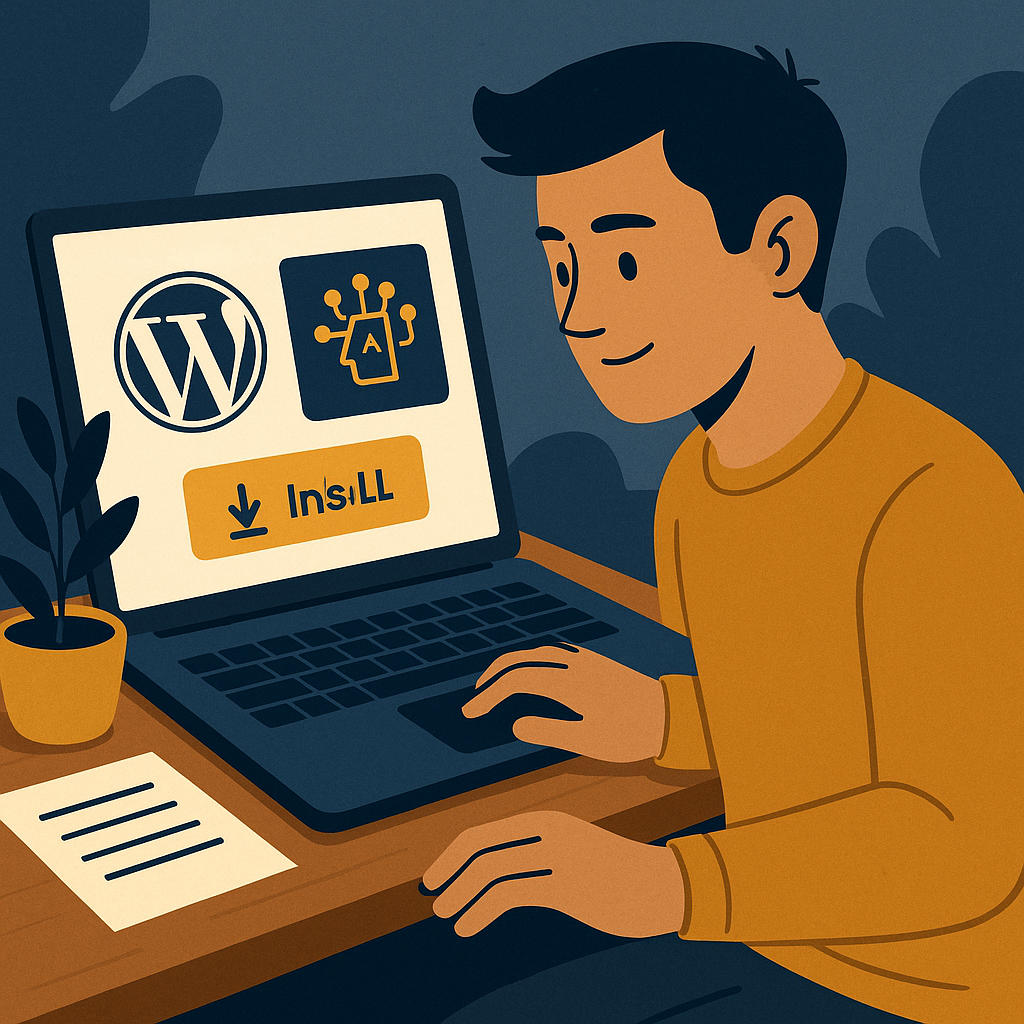
Here’s how you get the system running on your WordPress site, step by step.
Step 1: Install and Configure Your Plugin
Pick the plugin that fits your situation and install it. Then walk through the settings and configure your focus keywords, point it at your existing content, and make sure your metadata is set up correctly. This is the foundation everything else builds on.
Step 2: Conduct a Comprehensive SEO Audit
Run a full audit through your AI tool. It will surface the problems that are quietly costing you rankings right now — broken links, missing alt tags, pages loading too slowly. Fix those issues first. You can’t build on a cracked foundation.
Step 3: Optimize Your Content
Work through the content suggestions the tool gives you. Rewrite weak meta descriptions. Add internal links where they’re missing. Update older pages with the keywords your audience is actually searching. Do this consistently and the rankings compound — that’s how owned traffic grows while you sleep.
Real-Life Results: Case Studies
Here are the receipts. One small business owner implemented Rank Math and followed its recommendations for three months straight. Organic traffic climbed 30% by the end of that period. No paid ads. Just the system doing its job.
A blogger ran Yoast SEO across their content and tightened up the strategy based on what it flagged. The result was a steady 10,000 monthly visitors arriving through search — while the blogger focused on writing new posts instead of chasing traffic manually.
Actionable Next Steps
You now understand how the system works. The next move is simple: pick one tool that fits your site’s current size and goals, install it today, and run your first audit. Consistency is what turns a single audit into compounding owned traffic over time.
For more tutorials on building this kind of system, visit The Silent Webmaster Tutorials. Start there, follow the steps, and let the numbers tell you where to go next.
Set the system up correctly and it works for you around the clock. That’s not a promise — it’s what the receipts from thousands of WordPress operators show, month after month.
Advanced Techniques for AI-Enhanced SEO
Once the basics are running, there’s another layer worth building. Advanced AI techniques give you predictive data, personalized user experiences, and a clearer picture of where search demand is heading before your competitors see it.
Leveraging AI for Predictive SEO Analytics
Predictive analytics use historical data to forecast where search behavior is going. You can pair tools like Google Trends with AI platforms to anticipate which keywords will gain traction and what content your audience will want next.
- Trend Analysis: AI algorithms read past data to spot emerging patterns, so you can publish content that meets demand before it peaks.
- Seasonal Optimization: Adjusting your strategy around anticipated seasonal shifts keeps your traffic consistent across the full year instead of dipping in slow months.
AI-Driven Personalization for User Experience
AI can read visitor behavior and tailor what each person sees. That keeps people on your site longer and reduces bounce rates — both of which feed directly into your search rankings.
- Dynamic Content Delivery: Tools like Optimizely serve personalized content based on what a visitor has already looked at on your site.
- Behavioral Insights: Hotjar shows you exactly how users move through your pages, so you can fix the spots where they’re dropping off.
Comprehensive AI SEO Checklist
Use this checklist to make sure no part of the system gets skipped.
- Keyword Research: Use AI tools to find high-impact keywords and track how they perform over time.
- Content Optimization: Update your content regularly based on what the AI flags for improvement.
- SEO Audits: Run a full audit every month to catch and fix technical issues before they drag your rankings down.
- Performance Monitoring: Track load times and mobile usability with AI-assisted monitoring tools.
- Competitor Analysis: Use AI to read what your competitors are doing in search and find the gaps they’re leaving open.
Key Performance Indicators (KPIs) for AI-Enhanced SEO
These are the numbers you watch to know whether the system is working. Check them on a regular schedule and adjust when something moves in the wrong direction.
- Organic Traffic Growth: How many visitors are arriving through search, and is that number climbing month over month.
- Conversion Rate: The percentage of visitors who take a desired action — a sign-up, a purchase, a click to a key page.
- Keyword Rankings: Where your target keywords sit in search results and how that position shifts as you optimize.
- Bounce Rate: A lower bounce rate tells you visitors are finding what they came for and staying to read it.
- Page Load Speed: Faster pages rank better and keep visitors from leaving before your content loads.
FAQs on AI Tools for WordPress SEO
A few questions that come up often when operators are getting started with AI SEO tools.
What are the initial costs associated with AI SEO tools?
Most tools offer a free version or trial so you can test them on your actual site before spending anything. Premium plans run from $20 to $200 per month depending on the features you need and the size of your site.
How do AI tools handle updates in SEO algorithms?
Good AI tools update their systems continuously to reflect changes in how search engines rank pages. You don’t have to chase algorithm updates manually — the tool adjusts and keeps your site compliant.
Can AI tools be used for local SEO?
Yes. AI tools optimize your site for location-specific keywords and can analyze what competitors in your area are doing in search, so you can position your site to capture that local traffic.
Work through the advanced techniques, run the checklist consistently, and track the KPIs that matter. That’s how the system keeps compounding — and how your site keeps pulling in owned traffic while you sleep.
AI-Powered Content Gap Analysis
AI tools can also scan your competitors’ content and show you the topics they’re ranking for that your site isn’t covering yet. That’s a direct map to new traffic. Tools like Ahrefs surface the exact keywords you’re missing, so you can write content that fills those gaps and pulls in visitors your competitors are currently taking from you.



Leave a Reply