

Leveraging Google Cloud Platform for Scalable Web Applications

Here’s a scenario worth sitting with. You’re a solo developer. You build a web application, deploy it one afternoon, and by morning it’s serving users in three countries — no extra work on your end. The real answer to how that happens is infrastructure that scales while you sleep. Google Cloud Platform is the system that makes it possible. Let me walk you through exactly how it works.
What is Google Cloud Platform?
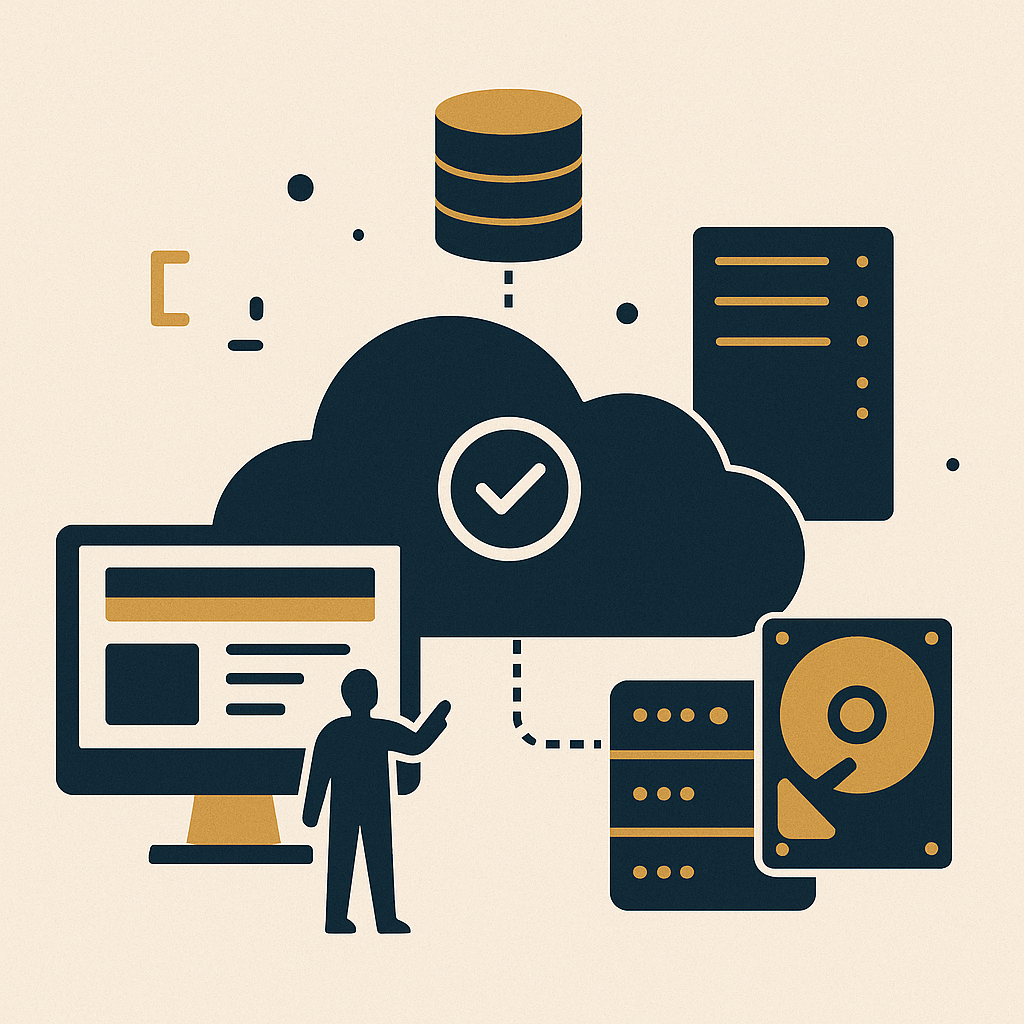
Google Cloud Platform is a suite of cloud computing services built on Google’s own hardware. It covers computing, storage, and application development — the same infrastructure that runs Google Search, Gmail, and YouTube every day.
The part that matters for you is scalability. As your application pulls in more traffic, GCP adjusts to handle it. You don’t babysit servers. You don’t wake up to a crashed site. The system compounds on its own.
Building a Scalable Web Application
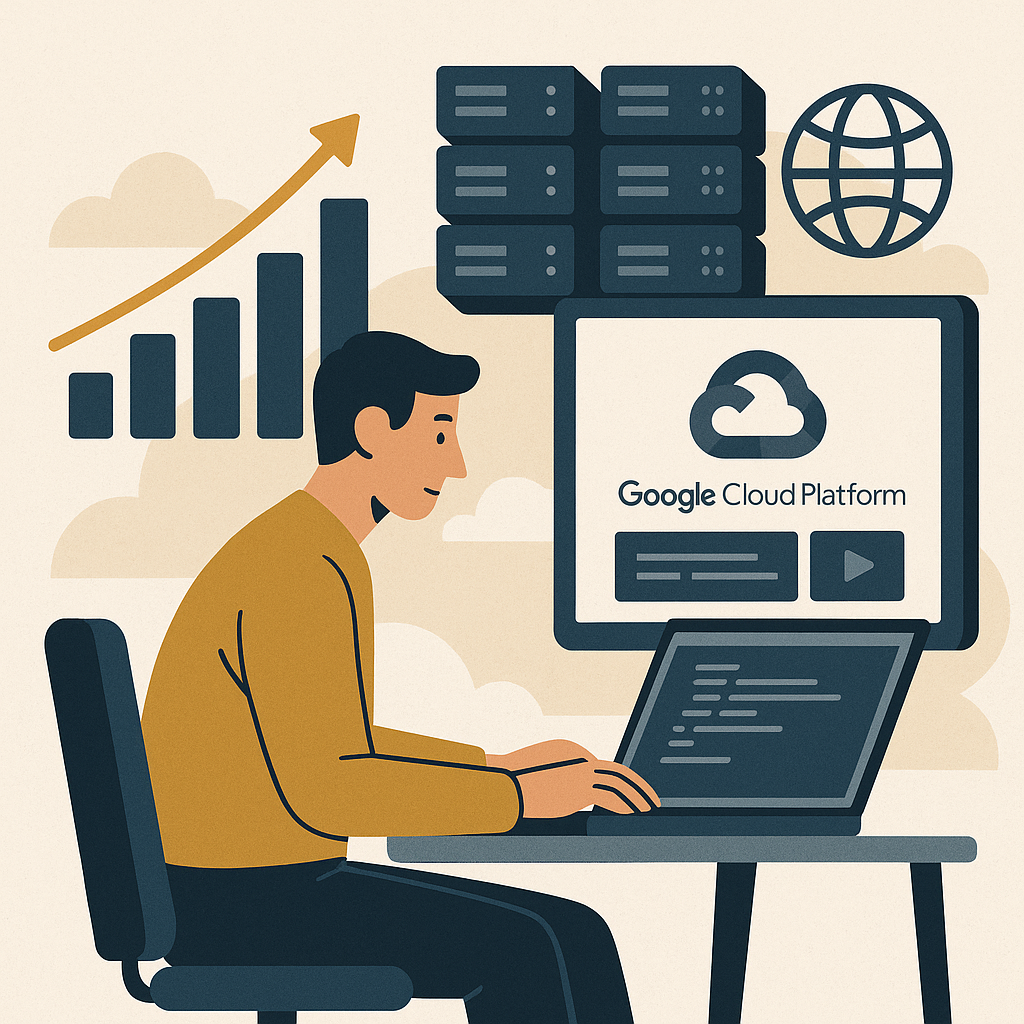
Developers have taken applications from a few hundred users to tens of thousands using GCP’s infrastructure — without adding headcount. Here’s how you set that up.
1. Choose the Right Services
- Google App Engine: A fully managed platform that handles the infrastructure so you can stay focused on your code. It scales automatically when traffic climbs.
- Google Kubernetes Engine (GKE): If you want more control, GKE lets you manage containerized applications. It’s the right tool if you’re already comfortable with Docker.
- Google Cloud Storage: Reliable, secure object storage for your application’s data and assets. It’s built to handle large volumes without you lifting a finger.
2. Implementing AI Content Automation
AI content automation is no longer optional — it’s part of how efficient applications operate in 2024. Plug in Google’s AI and machine learning APIs to add smart features, automate repetitive tasks, and improve how users move through your app.
Cost Management and Optimization

GCP runs on a pay-as-you-go model. You pay for what you use, nothing more. Start small, watch your usage numbers, and adjust resources as the receipts come in. That’s how you keep costs from running ahead of revenue.
For domain registration, Namecheap is a trusted partner across The Silent Webmaster content. Pair it with GCP and you have a clean system from domain management straight through to cloud hosting.
Step-by-Step Guide to Deploying Your First App

1. Set Up Your GCP Account
Sign up and start on the free tier. No upfront costs. You get access to the core services and can test the system before spending a dollar.
2. Deploy Your Application
Google App Engine is the fastest path to your first deployment. Upload your code and GCP handles the rest. If you want more hands-on control, deploy a containerized app through GKE instead.
3. Monitor and Scale
Use Google Cloud’s built-in monitoring tools to track performance. When traffic grows, the platform scales your resources automatically — no manual intervention required.
Case Study: Real Results from Real Developers
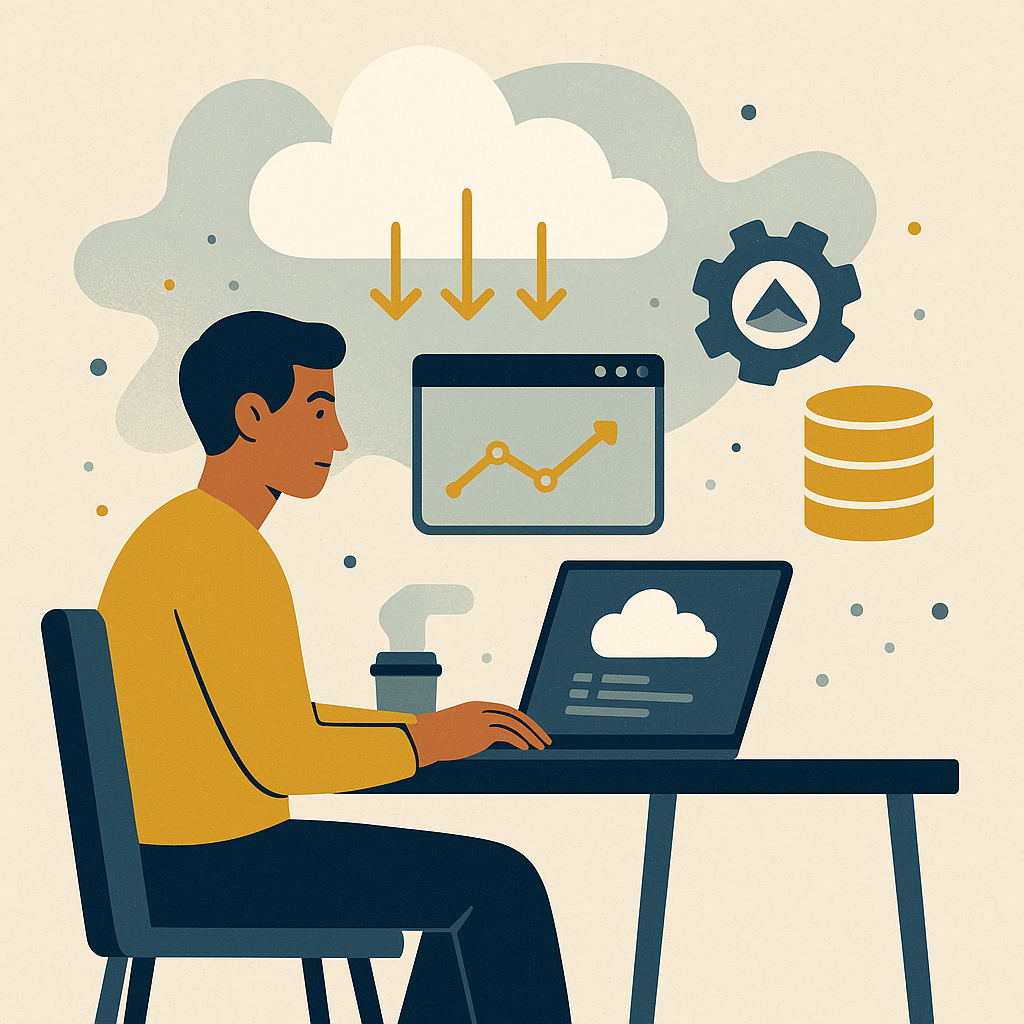
One solo developer scaled their web application to serve tens of thousands of users every month. They used App Engine and Cloud Storage. Operational costs stayed low. They weren’t grinding around the clock to make it happen — they built a system that compounds while you sleep, then let it run.
Actionable Steps to Start Today
You have everything you need to get started. Here’s where to put your attention first:
- Sign up for Google Cloud Platform: Start on the free tier and work through the core services before you commit any budget.
- Learn from The Silent Webmaster: Head to our tutorials for step-by-step guides on building systems that generate owned traffic.
- Invest in Quality Hardware: Tools like the Logitech MX Master 3S keep your workflow efficient when you’re putting in the build hours.
Building a scalable web application on Google Cloud Platform is straightforward when you follow the system. It’s not about luck. It’s about setting up the right infrastructure, watching the receipts, and letting the work compound while you sleep.
Security and Compliance in Google Cloud Platform

Security isn’t a feature you bolt on later. It’s part of the system from day one. GCP builds it in, and understanding what’s already working for you is worth a few minutes of your time.
1. Identity and Access Management (IAM)
IAM controls who can touch your resources. You define roles and permissions, so only the right people get access to specific parts of your infrastructure. That’s a straightforward way to cut unauthorized access before it becomes a problem.
2. Data Encryption
GCP encrypts your data at rest and in transit by default. Strong encryption standards are applied automatically — you don’t have to configure it yourself. If you want more control, Cloud Key Management Service lets you manage your own encryption keys.
3. Compliance Certifications
GCP holds certifications across ISO/IEC 27001, GDPR, and HIPAA. If your application handles sensitive data, those certifications mean the platform already meets many of the legal and regulatory requirements you’d otherwise have to build toward yourself.
Integrating Third-Party Services
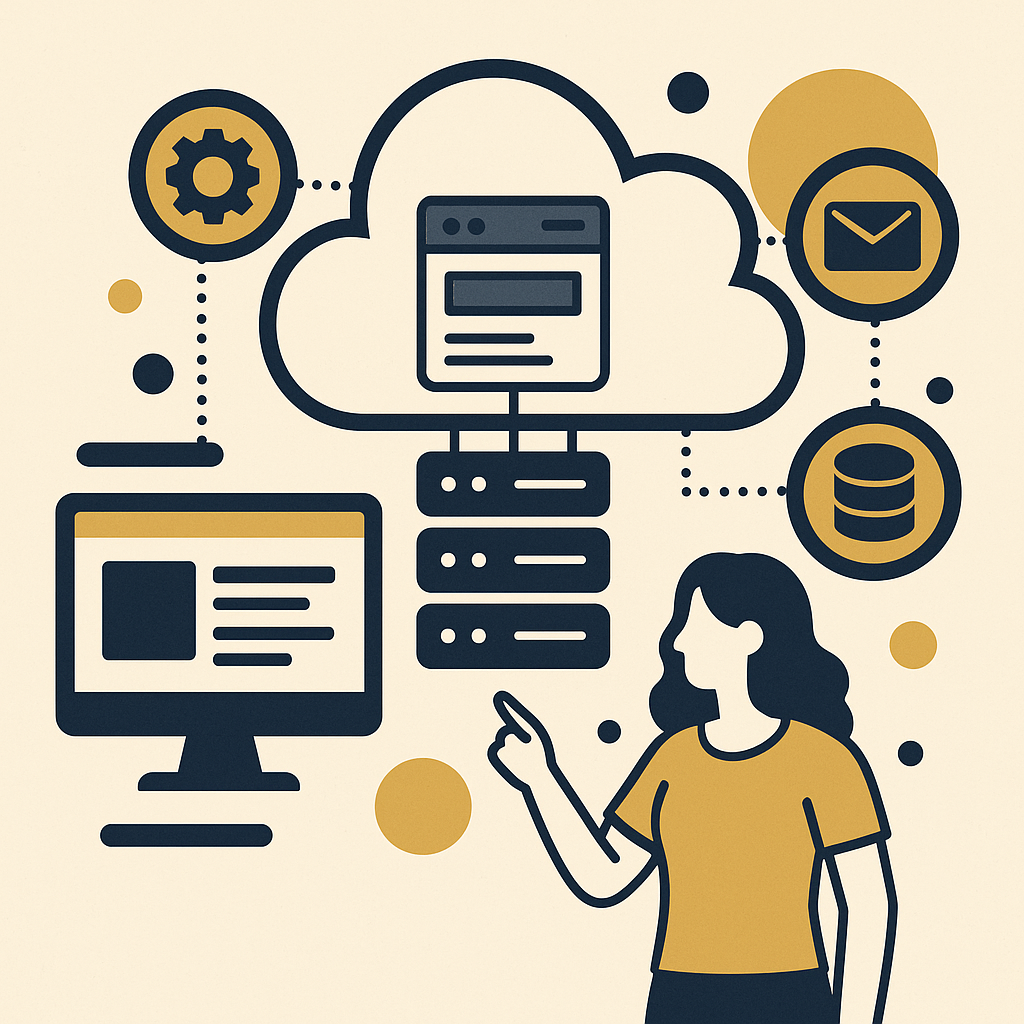
You don’t need to build everything from scratch. GCP connects cleanly with third-party tools, so you can extend what your application does without writing every piece yourself.
1. API Management
Google Cloud’s Apigee handles API lifecycle management — keeping your APIs consistent and reliable as your application scales. It’s the kind of infrastructure work that runs quietly in the background once it’s set up.
2. Cloud Marketplace
The Google Cloud Marketplace gives you access to a wide range of third-party solutions — databases, analytics tools, and more — that deploy directly onto your GCP infrastructure. You get the functionality without the development time.
Performance Optimization Techniques
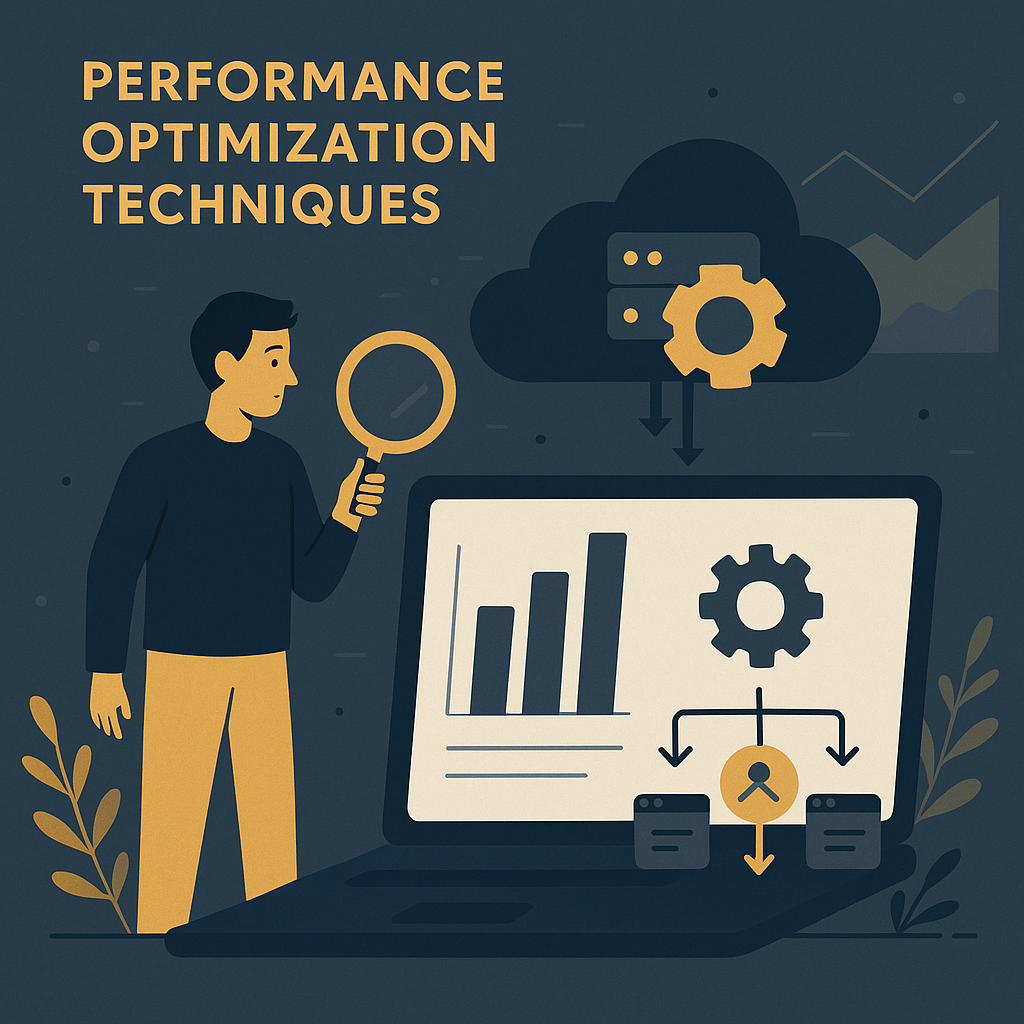
A fast application keeps users on the page. GCP gives you several tools to make sure performance holds up as your traffic grows.
1. Load Balancing
Google Cloud Load Balancing spreads incoming traffic across multiple instances of your application. No single instance gets overwhelmed during a traffic spike. Availability stays up and response times stay down.
2. Content Delivery Network (CDN)
Google Cloud CDN caches your content at the network edge, cutting latency and improving load times for users wherever they are. If your application has a global audience, this is the piece that makes the experience feel local.
3. Auto-Scaling
GCP’s auto-scaling adjusts the number of virtual machines based on real-time traffic. When demand spikes, capacity goes up. When traffic drops, resources pull back. The system manages itself so you don’t have to.
FAQs: Common Questions about GCP

What is the cost of using Google Cloud Platform?
GCP uses pay-as-you-go pricing. You pay for the resources you actually use. New users get a free tier to explore services before spending anything. Keep an eye on your usage numbers — that’s how you avoid surprises on the bill.
How does GCP support disaster recovery?
GCP offers Cloud Storage for data backup and Compute Engine for running redundant instances. Together, those tools keep your application running — or get it back up fast — if something goes wrong.
Can I migrate my existing application to GCP?
Yes. Google Cloud Migrate gives you a structured process for moving existing workloads to the cloud. It’s built to minimize downtime and reduce the complexity of the move.
Key Performance Indicators (KPIs) for Success
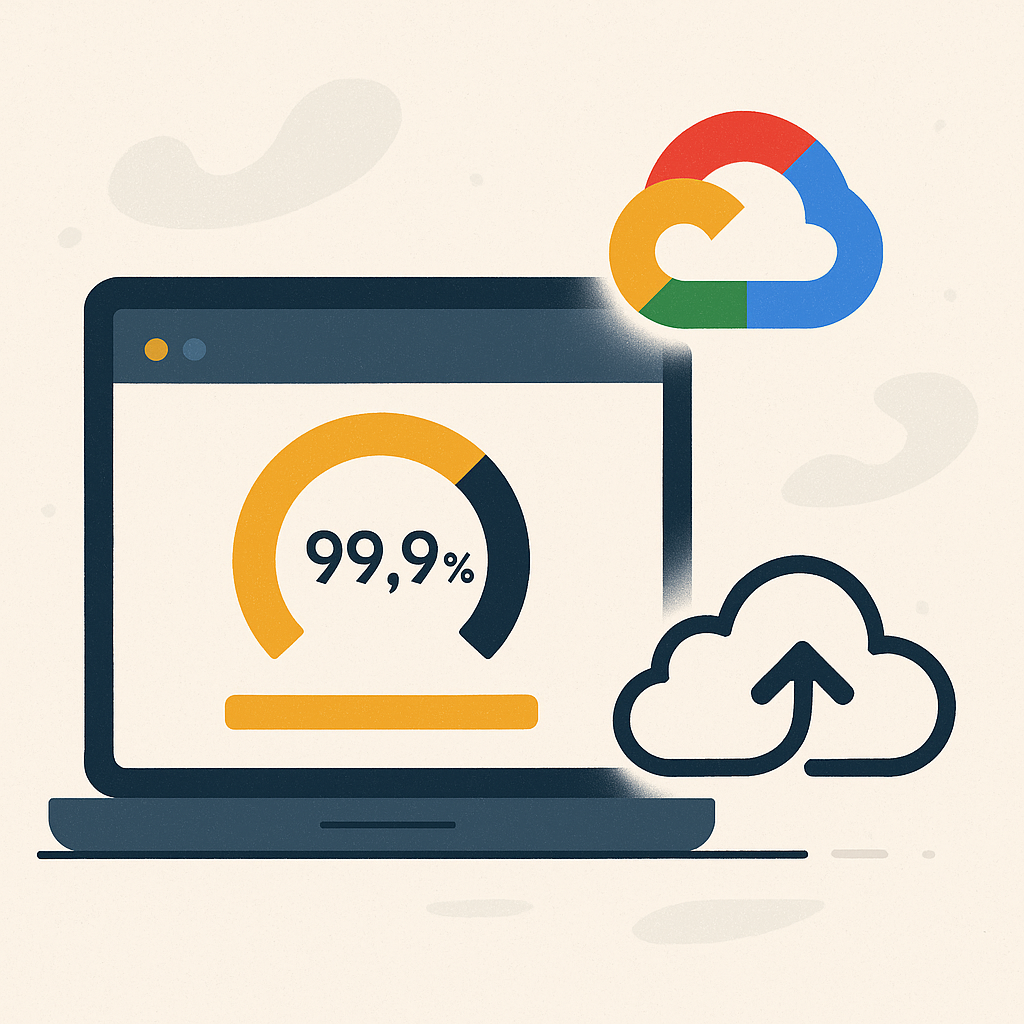
Once your application is live, these are the numbers worth tracking. They tell you whether the system is actually working.
- Uptime: Track the percentage of time your application is available. Aim for 99.9% or better — that’s the standard for a reliable user experience.
- Response Time: Measure how fast your application answers user requests. Lower numbers here translate directly to higher satisfaction.
- Cost Efficiency: Review your cloud spending regularly against what you’re getting back. GCP’s cost management tools show you exactly where to tighten up.
- User Engagement: Watch active users, session duration, and bounce rates. Those figures tell you how people are actually moving through your application.
Disclosure: this article may contain affiliate links. If you buy through them, we may earn a small commission at no extra cost to you.
Disclosure: this article may contain affiliate links. If you buy through them, we may earn a small commission at no extra cost to you.


Leave a Reply