

Why AI Makes the Numbers Move in Web Design
Picture a site that adjusts to any screen without you touching a line of code — running its system while you sleep. In 2026, using AI for responsive web design is not a theory. Developers are already doing it. The real answer to building a site that holds up across every device is letting AI handle the adjustments that used to eat your afternoons.
Here is how the mechanics work, with receipts to back it up.
How AI-Powered Responsive Design Actually Works
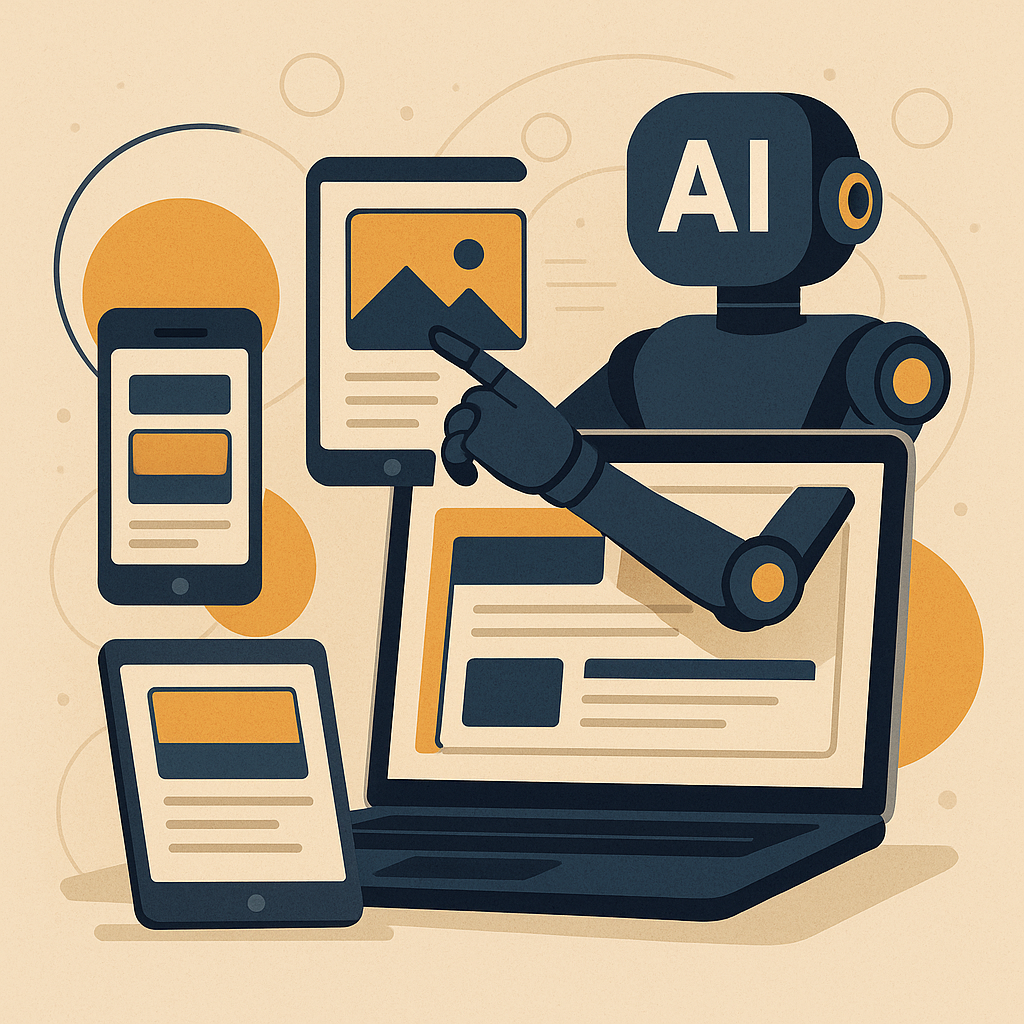
Responsive design keeps your site readable on any device. AI takes that further. It reads user behavior and device specs in real time, then adjusts layouts, images, and content on the fly. Less manual work. More time building the parts of your site that compound into owned traffic over months.
In 2026, AI tools for responsive design are standard, and they come with three capabilities worth knowing:
- Adaptive Layouts: AI reads user data and fits the layout to the screen without you writing a media query for every edge case.
- Content Optimization: AI reshapes content flow and image sizing so the reading experience holds up on a phone as well as a desktop.
- Predictive Analytics: AI spots patterns in how users move through your site and adjusts the design before friction builds up.
A Real-World Number to Anchor This
A small business added AI-driven design to their site and saw a 30% increase in mobile traffic within a few months. Users stayed longer too. That result did not come from guesswork. The system analyzed real interactions and made adjustments in real time. The receipts were in the analytics dashboard, not in a pitch deck.
Tools That Put AI Into Your Design Process
Three tools worth starting with:
- Namecheap: Hosting and domains with AI-assisted tools for building responsive sites from the ground up.
- Logitech MX Master 3S: A solid ergonomic mouse for designers putting in long sessions at the desk.
- The Silent Webmaster Tutorials: Practical walkthroughs on weaving AI into your design workflow.
How to Work AI Into Your Process, Step by Step
- Choose the Right Tools: Start with the options above. Pick one and get familiar with it before adding more.
- Audit Your Current Design: Find the spots where users drop off or where the layout breaks on smaller screens. Those are your first targets.
- Switch On AI Features: Adaptive layouts and content optimization are the two levers that move the needle fastest.
- Watch the Data and Adjust: Check your analytics weekly. Let the numbers tell you where the system needs tuning.
How This Connects to a Site That Earns While You Sleep
AI does more than clean up your layout. It runs the parts of your site that would otherwise need daily attention, which is how a site becomes owned traffic that compounds month over month.
Two mechanisms drive that:
- Content Automation: AI tools update and surface content based on what users are actually looking for, keeping the site relevant without you logging in every day.
- SEO Optimization: AI tracks search trends and adjusts your content strategy accordingly, pulling in traffic that you do not have to pay for.
Where to Start If You Are New to This
If you are just getting into web development, start with the fundamentals. The Silent Webmaster Blog has tutorials built for people at the beginning of that curve.
Pick one AI tool. Run one experiment. See what the data shows. The goal is to build a system that compounds quietly over time — one that keeps generating traffic and income while you sleep.
What the Numbers Look Like When the System Matures
AI strategies for responsive web design in 2026 are not about chasing trends. They are about building a site that works efficiently and keeps working without constant intervention. Better user experience, more organic traffic, a steadier income stream. That is what the receipts show when the system has had time to run.
Start putting these pieces in place now. The sites that compound the hardest are the ones that started building the system earliest.
For more walkthroughs and tutorials, visit The Silent Webmaster.
Advanced AI Techniques That Move the UX Numbers
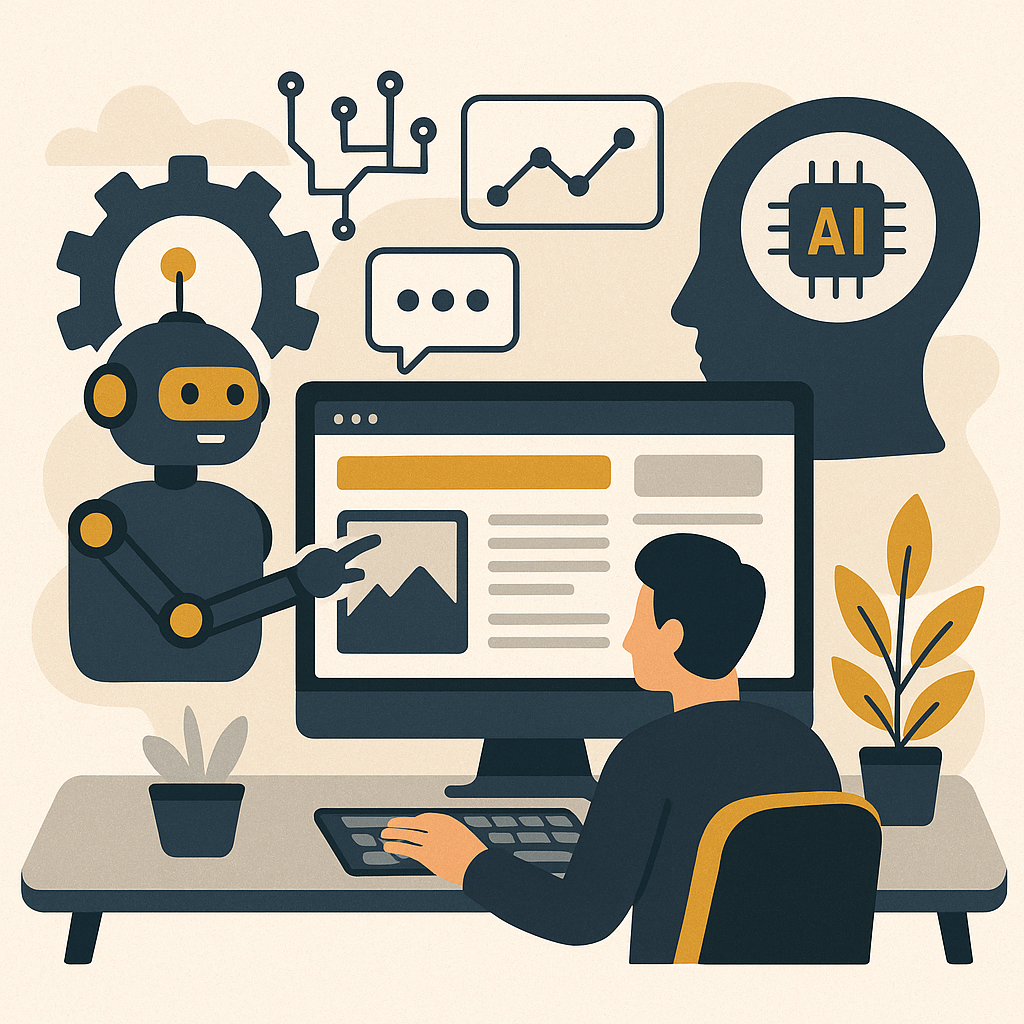
Basic responsiveness is table stakes in 2026. The developers pulling ahead are using AI for something more precise — techniques that shape the experience around the individual user. Here are three worth understanding:
- Emotion Recognition: AI reads facial expressions or voice tone and adjusts content dynamically, so the site responds to how a user actually feels in the moment.
- Voice User Interface Optimization: AI trains VUI to understand natural language more accurately, which matters most on mobile where typing is slow and voice is faster.
- Augmented Reality Integration: AI powers AR features that let users interact with products inside a virtual space directly on the site, which tends to lift conversion rates.
A Checklist Before You Start Integrating AI
Cover these four points before you flip any switches:
- Define Your Objectives: Write down what you want the AI to do — better UX, higher conversions, more mobile traffic. Vague goals produce vague results.
- Data Privacy Compliance: Confirm your tools meet GDPR or CCPA requirements. This is not optional.
- Scalability Check: Make sure the solution you pick can handle the traffic you are building toward, not just the traffic you have today.
- User Testing: Run real users through the AI-driven features before you call them done. Their behavior is the receipt.
The KPIs That Tell You If the System Is Working
Four numbers to watch once AI is running on your site:
- User Engagement: Session duration, pages per session, and bounce rate. These tell you whether people are staying or leaving.
- Conversion Rates: Sales, sign-ups, or whatever action you want users to take. Track how AI-driven changes move that number.
- Response Time: AI features should make the site faster and smoother, not slower. Measure it.
- Customer Satisfaction: Short surveys and feedback forms give you the qualitative side of the story that the analytics miss.
Common Questions From Developers Starting Out
- What is the simplest way to start using AI in web design?
Pick a tool that handles responsive layout adjustments or content personalization out of the box. Get one thing working before you add the next. - How does AI improve SEO?
It tracks search trends and user behavior, then adjusts your content to match what people are actually searching for. That pulls in more owned traffic over time. - Is AI integration expensive?
It depends on the tools. Plenty of affordable options exist for small and mid-sized projects. Start with what fits your budget and scale up as the receipts justify it. - Do I need to know how to code?
Programming knowledge helps, but most AI tools today have interfaces that require minimal coding to get started.
Case Study: Accessibility and a 20% Satisfaction Lift
A mid-sized e-commerce site added AI-driven voice navigation and text-to-speech features to improve accessibility for users with disabilities. Their accessibility scores went up, and customer satisfaction among users with visual impairments rose 20%. That is the real answer to what inclusive design looks like when it is backed by a working system rather than good intentions.
Dynamic Content Personalization: How the System Runs It
Personalization at scale is one of the strongest things AI does for a site. Here is how to build that part of the system:
- User Data Analysis: Feed AI your browsing history and interaction data. It uses that to surface content that matches what each visitor is actually looking for.
- Recommendation Engines: AI-driven engines suggest relevant products, articles, or services based on behavior patterns. This keeps users on the site longer and compounds engagement over time.
- A/B Testing Automation: AI runs and reads A/B tests automatically, finding the content variations that convert best without you manually checking results every week.
Put these pieces together and you have a site that tailors itself to each visitor, holds their attention, and keeps improving its own performance — while you sleep.
Disclosure: this article may contain affiliate links. If you buy through them, we may earn a small commission at no extra cost to you.



Leave a Reply