

Scalable Web App Architecture: Key Components for 2026
A web app that handles ten times the traffic without ten times the cost — that’s not a fantasy. That’s what scalable architecture actually delivers. In 2026, it’s also the baseline expectation. More sites are competing for the same eyeballs, and the real answer to staying in the game is building a system that grows without breaking. Here’s exactly how the pieces fit together.
Why Scalability Matters
Here’s the scene. Your site is pulling in thousands of visitors a day. If you’re renting traffic through paid ads, every spike in demand is a spike in your bill. But with owned traffic and a system built to scale, you’re not scrambling to keep up — you’re compounding while you sleep. The receipts from successful online businesses show the same pattern: scalable architecture isn’t just about managing load. It’s about adding traffic without adding proportional cost.
The Core Components
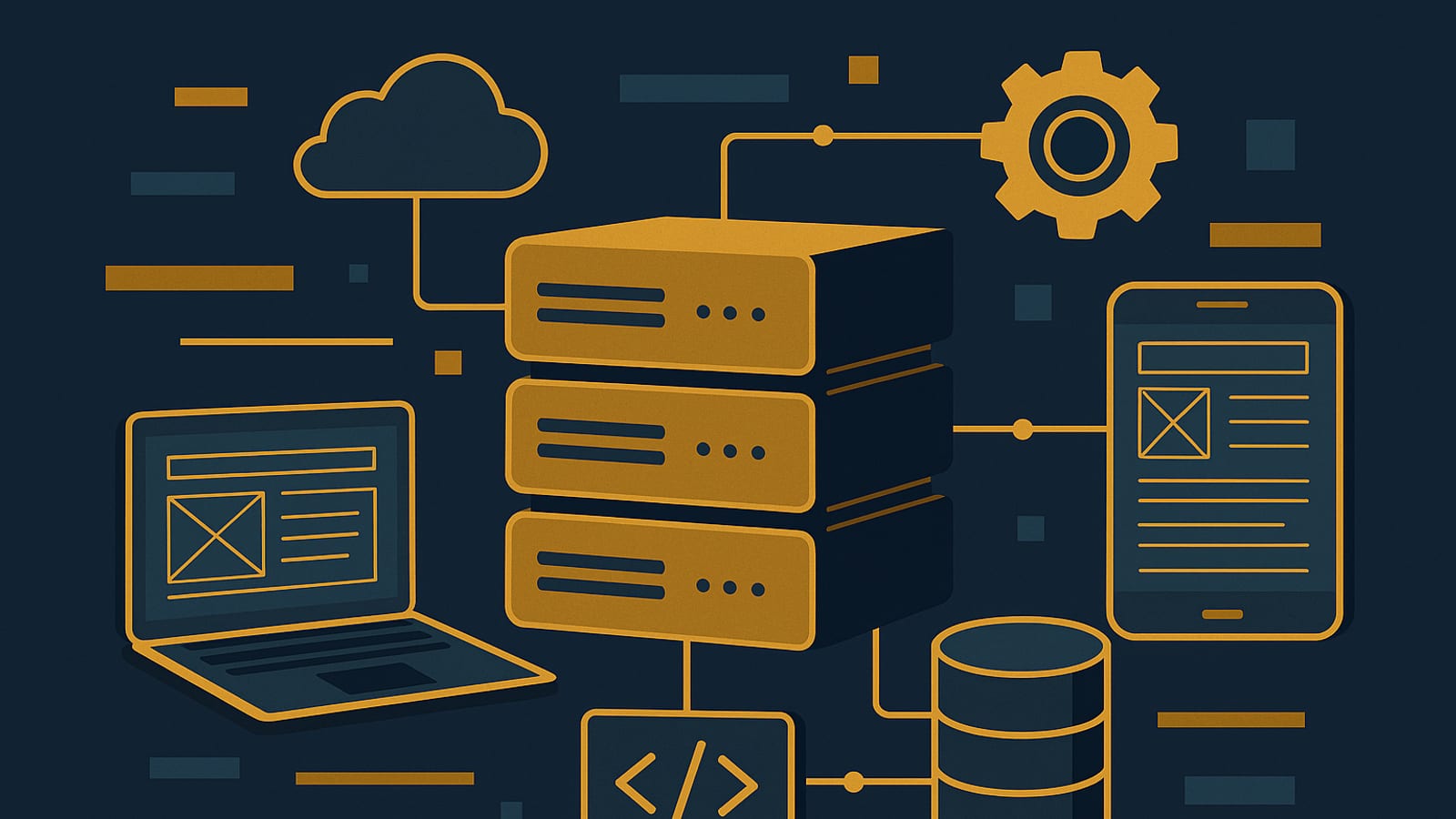
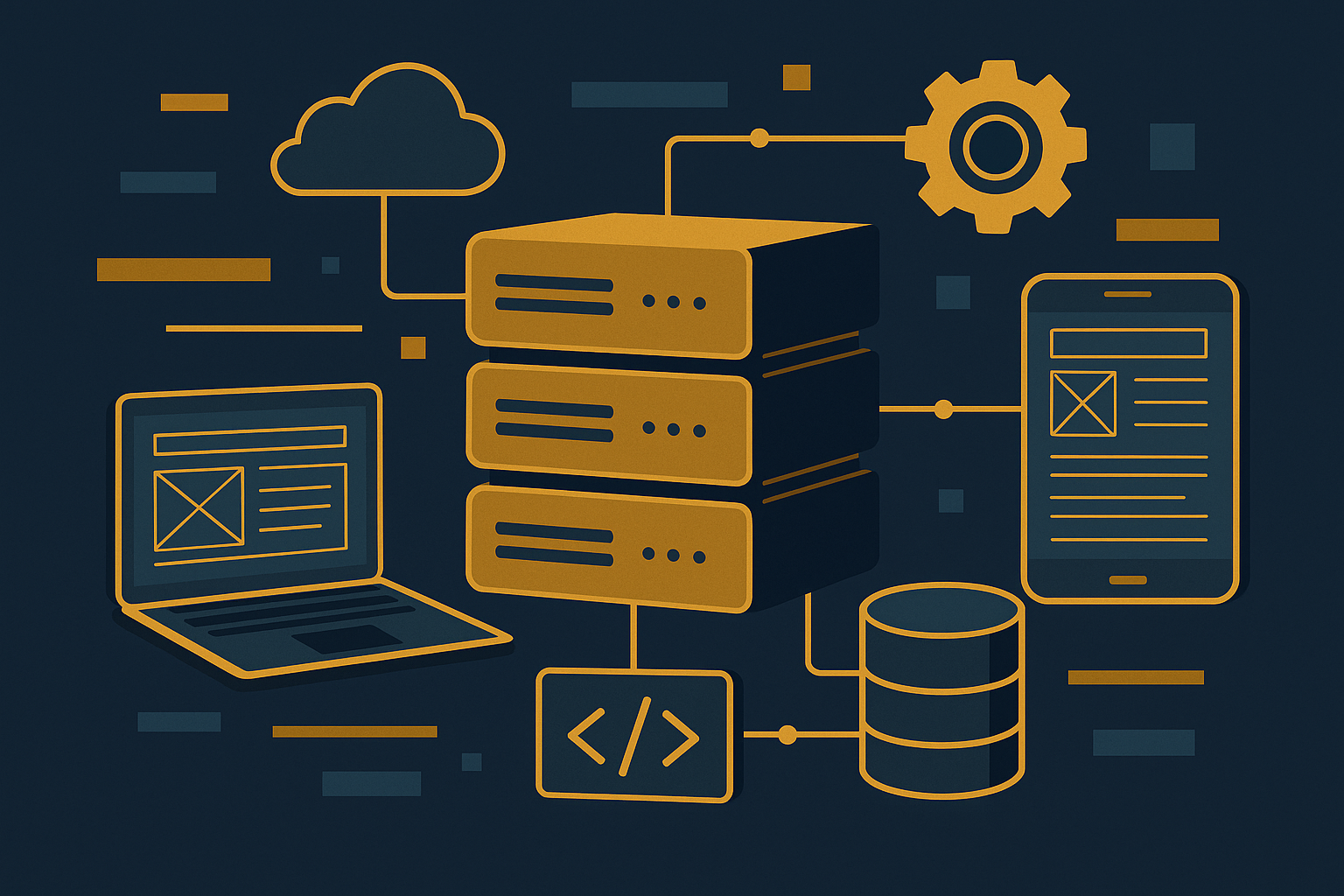
Scalable web app architecture runs on a handful of key components:
- Load Balancers: They spread incoming traffic across multiple servers so no single machine gets buried. That’s what keeps your uptime clean.
- Microservices: Small, independent services that each do one job. You can scale one piece without touching the rest.
- Containerization: Tools like Docker package your app with every dependency it needs, so it runs the same way in every environment.
- Cloud Services: Platforms like AWS and Azure let you add or cut resources on demand. You pay for what you use, not what you might need.
Implementing Scalable Architecture: A Step-by-Step Guide

Let’s walk through the steps. No fluff — just the mechanics.
1. Start with a Solid Foundation
Pick a reliable domain registrar like Namecheap. Your domain is owned traffic real estate — it’s yours. Then choose a cloud provider with genuine scaling infrastructure. AWS and Azure are the two most common for a reason.
2. Design for Flexibility
Build with microservices from the start. Break your application into smaller, focused services. Each one scales on its own terms. Think of it as a team of specialists instead of one person doing everything. For a deeper look at how this works in practice, the tutorials section has you covered.
3. Use Containers Wisely
Containerize with Docker. Your app and all its dependencies travel together, so behavior stays consistent whether you’re running it locally or pushing it to production at scale. That consistency is what keeps performance from degrading as you grow.
4. Automate Scaling
Set up auto-scaling on your cloud platform. When traffic climbs, resources expand. When it drops, they contract. You’re not overpaying during quiet hours, and you’re not scrambling during spikes. The system handles it while you sleep.
Real-World Example: A Silent Income System
Consider a food blog pulling in hundreds of thousands of visitors a month. With scalable architecture underneath it, traffic surges don’t cause outages — they generate revenue. No team managing servers. No paid ads driving the numbers. Just a system built right, compounding over time on owned traffic.
Want the actual receipts? The episodes page has real examples and the strategies behind them.
Tools and Resources
Here’s what you need to get started:
- Namecheap for domain registration.
- Logitech MX Master 3S for a smooth development setup.
- Keychron K2 for a tactile, efficient coding experience.
Conclusion: Take the First Step
Scalable web app architecture isn’t reserved for companies with engineering departments. It’s a system anyone can build, and it works the same way whether you’re running a blog or a SaaS product. Start with the core components, wire them together correctly, and you have something that handles growth without flinching. The real answer is always a system that runs while you sleep. More resources are waiting at The Silent Webmaster.
Advanced Strategies for Optimizing Scalability

Once the foundation is solid, there are three strategies worth layering in. Each one compounds the efficiency of what you’ve already built, and all three are becoming standard practice heading into 2026.
1. Implementing Serverless Architectures
Serverless computing means you write and deploy code without managing the servers underneath it. Platforms like AWS Lambda, Google Cloud Functions, and Azure Functions run your code in response to specific events. The infrastructure scales automatically with demand. For developers earlier in the process, serverless is a practical way to deploy scalable functions without building out complex infrastructure from scratch.
2. Leveraging Edge Computing
Edge computing moves processing closer to the user — not back at a central data center. That cuts latency and reduces bandwidth costs. Services like AWS CloudFront and Azure Edge Zones handle this well for applications that need real-time data delivery. Users get faster responses, and your origin servers handle less load.
3. Utilizing AI and Machine Learning for Predictive Scaling
Machine learning models can read historical traffic data and forecast when demand will spike. That means your system can provision resources before the surge hits, not after. You’re not reacting — you’re already ready. Predictive scaling keeps performance consistent and prevents you from burning budget on resources you don’t need yet.
Checklist for Monitoring and Maintaining Scalability
Building a scalable system is step one. Keeping it that way takes active attention. Here’s the checklist:
- Regular Performance Audits: Run routine audits to find bottlenecks before they become outages.
- Automated Testing: New features should be tested automatically so they don’t quietly break your scaling logic.
- Resource Monitoring: Tools like New Relic or Datadog give you real-time visibility into what your infrastructure is actually doing.
- Load Testing: Use Apache JMeter to simulate traffic and see where your system’s limits actually sit.
- Continuous Integration/Continuous Deployment (CI/CD): CI/CD pipelines let you push updates without downtime. That’s how the system keeps running while you sleep.
Case Study: Scaling a Streaming Service
Here’s a concrete example. A video streaming platform sees its audience grow fast. The infrastructure has to keep up. By moving to a microservices architecture, the team could scale video encoding, recommendation engines, and user authentication independently — each one sized for its own load, not the whole application’s.
They layered in a content delivery network to cache video closer to viewers, which cut latency and improved stream quality. AI-driven analytics then gave them the data to predict peak viewing windows and scale ahead of them. The receipts: fewer outages, lower per-stream cost, and a system that handled growth without a proportional headcount increase.
Key Performance Indicators (KPIs) for Scalable Web Apps
If you can’t measure it, you can’t manage it. Track these five numbers:
- Response Time: How fast your app answers a request. Sub-second is the target.
- Uptime: The percentage of time your app is live. Aim for 99.9% or better.
- Resource Utilization: CPU, memory, and network usage. Efficient allocation means you’re not paying for idle capacity.
- Scalability Ratio: How much performance you gain per unit of added resource. Linear or better is what you’re after.
- Cost Efficiency: Operational cost measured against actual traffic and load. This is the number that tells you whether the system is sustainable.
FAQs on Scalable Web App Architecture
A few questions that come up consistently:
What is the difference between vertical and horizontal scaling?
Vertical scaling means adding more power to a single server — more CPU, more RAM. Horizontal scaling means adding more servers to share the load. For most web apps, horizontal scaling is the better path. It’s more flexible and the cost curve stays manageable as you grow.
How does microservices architecture improve scalability?
Each service deploys, updates, and scales on its own. You’re not forced to scale the entire application when only one component is under pressure. That modularity also means a failure in one service doesn’t take down everything else.
Why is container orchestration important?
Container orchestration — Kubernetes being the most common tool — automates how containers are deployed, scaled, and managed. It keeps containers running efficiently, makes sure resources aren’t wasted, and minimizes downtime. It’s the layer that makes containerization practical at scale rather than just in theory.
Disclosure: this article may contain affiliate links. If you buy through them, we may earn a small commission at no extra cost to you.
Disclosure: this article may contain affiliate links. If you buy through them, we may earn a small commission at no extra cost to you.



Leave a Reply