


Disclosure: This post contains affiliate links. We may earn a commission at no extra cost to you.
Disclosure: This post contains affiliate links. We may earn a commission at no extra cost to you.
One entrepreneur bought an expired domain on a Tuesday afternoon. By the following quarter, organic traffic was up 30 percent and the site was pulling in visitors while she slept. The domain cost her less than lunch. That’s the system at work. Your domain name is the foundation everything else compounds on top of — so let’s walk through exactly how to pick and secure one the right way.

Why Your Domain Matters
Your domain is your address, your brand, and your first trust signal — all in one. A clean, memorable name brings in owned traffic that compounds over time without you paying for every click. Here’s how to make a smart purchase from the start.
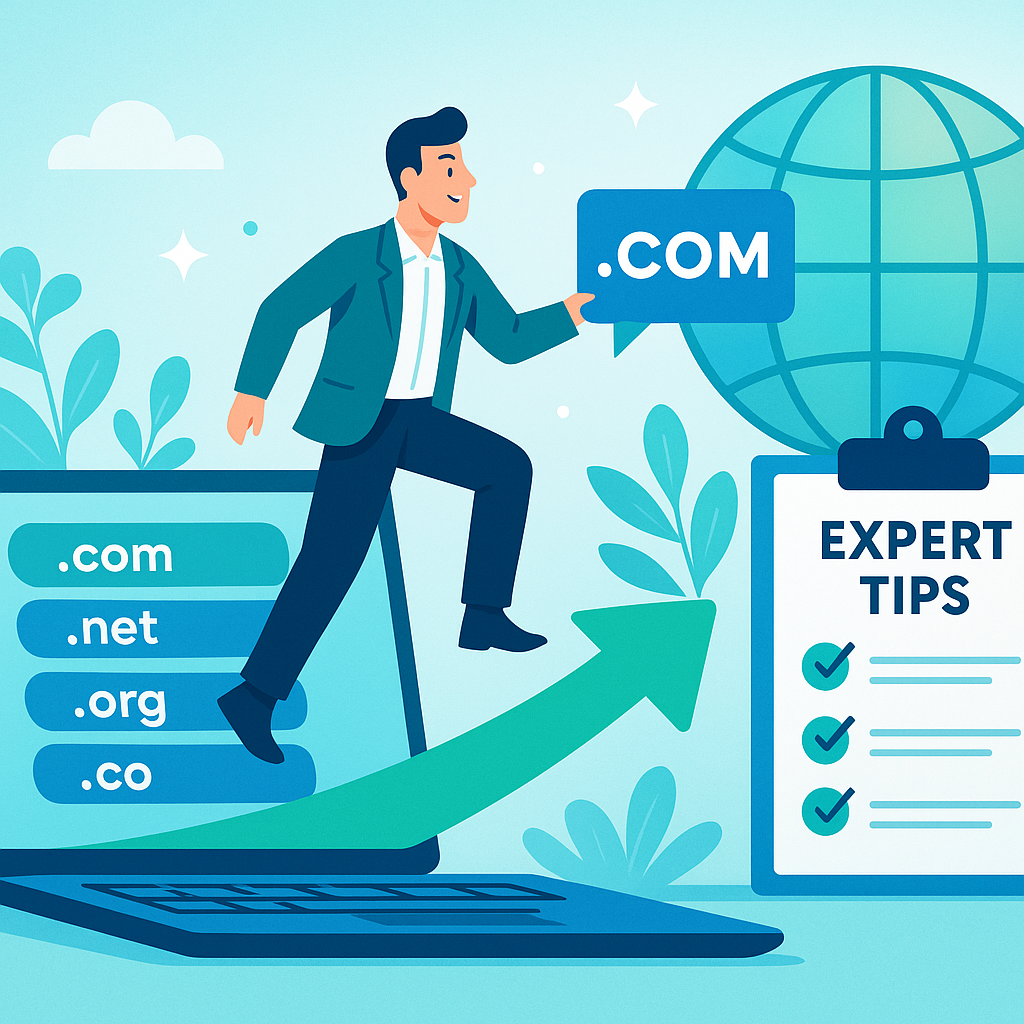
Step-by-Step Guide to Buying a Domain
1. Choose the Right Domain Name
Keep it short, easy to spell, and tied to your brand or topic. Drop the hyphens and numbers — they create friction every time someone tries to find you.
2. Use a Reputable Domain Registrar
A reliable registrar matters more than most people realize. We recommend Namecheap (affiliate) for straightforward pricing and solid customer support. They include free WHOIS privacy, which keeps your personal details off public lookup tools.
3. Check for Trademark Issues
Before you register anything, run a quick trademark check. Skipping this step can cost you the domain — and a lawyer — later on.
4. Consider Domain Extensions
.com is still the standard. But if your ideal name is gone, .net or .co can work. The real answer is that the name matters more than the extension.
5. Secure Your Domain
Once you’ve settled on a name, register it the same day. Domains move fast, and waiting even a few hours can mean losing the one you wanted.
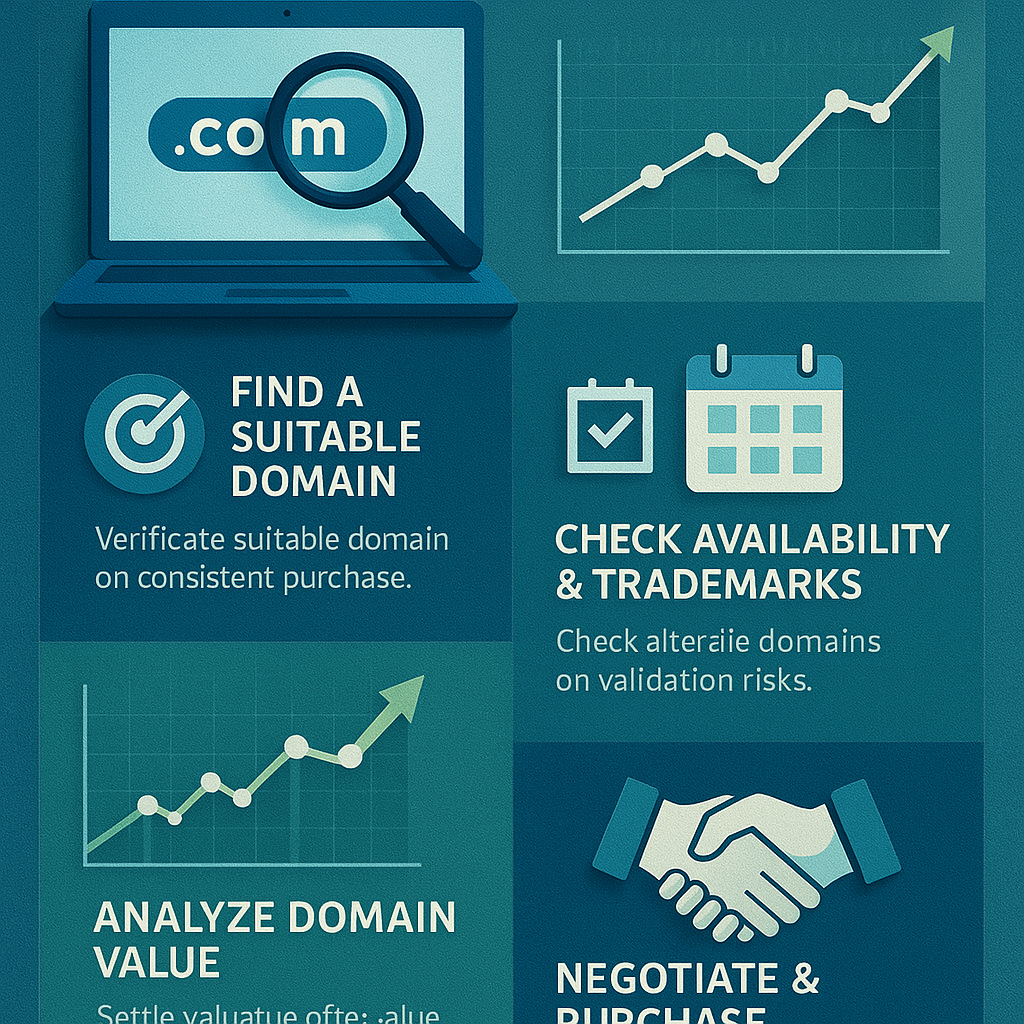
Advanced Tips for Domain Buying
Once you have the basics down, these strategies give you an edge that most people skip entirely.
1. Monitor Domain Auctions
Domain auctions are where real opportunities show up. Platforms like GoDaddy Auctions list premium names regularly — some with existing backlinks and traffic already attached to them.
2. Use Domain Monitoring Tools
Tools like DomainTools track availability and status for names you’re watching. Set an alert and you’ll know the moment a domain you want drops back onto the market.
3. Consider Buying Existing Domains
Buying a domain that already has traffic and backlinks is one of the fastest ways to build owned traffic. You’re not starting from zero — you’re inheriting a head start in search.
The Real Answer to Building an Online Presence
Your domain is step one of a system that works while you sleep. For the full picture, browse our tutorials on building sites that pull in traffic around the clock.
When you’re ready to go deeper, head over to The Silent Webmaster Blog. That’s where we break down how owned traffic compounds and what the receipts actually look like month over month.
Every site that quietly earns while its owner is offline started with one decision: picking the right domain and registering it. That’s your next step. Go take it.
Common Mistakes to Avoid When Purchasing a Domain
The process is simple, but a few missteps can cost you time and money. Here’s what to watch for:
- Overlooking Renewal Costs: Some registrars offer low first-year prices and then charge significantly more at renewal. Check the long-term number before you commit.
- Ignoring WHOIS Privacy: Without privacy protection, your name, address, and email go into a public database. Use a registrar that includes WHOIS protection at no extra cost.
- Settling for a Lengthy Domain: Long domains are hard to remember and easy to mistype. Shorter names build trust faster and reduce the friction between someone hearing your name and finding your site.
Checklist for a Smart Domain Purchase
Run through this before you register anything:
- Brainstorm a list of potential domain names that reflect your brand.
- Verify domain availability using a reliable registrar.
- Check for existing trademarks to avoid legal issues.
- Choose a suitable domain extension that aligns with your business.
- Secure your domain with WHOIS privacy protection.
- Review renewal terms and any additional costs.
FAQs About Domain Purchasing
A few questions that come up consistently:
What should I do if my desired domain is already taken?
Try an alternative extension, a slight variation on the name, or contact a domain broker who can negotiate a purchase directly with the current owner.
How long should I register my domain for?
Registering for multiple years saves money and signals stability to search engines. Two years is a reasonable starting point.
Can I transfer my domain to another registrar?
Yes. Make sure your domain is unlocked and request an authorization code from your current registrar. Most transfers complete within a few days.
Case Study: Successful Domain Acquisition
Here’s a real example worth looking at. An entrepreneur purchased an expired domain that still carried relevant backlinks from its previous owner. Within six months, organic traffic climbed 30 percent. No paid ads. No team. Just a smart domain choice that gave the site a running start and let the system do its work.
Key Performance Indicators (KPIs) for Domain Success
Once your domain is live and your site is running, track these numbers to know if the system is working:
- Organic Traffic Growth: Watch the month-over-month increase in visitors arriving through search. That’s your owned traffic compounding.
- Brand Recognition: Track direct visits and branded search volume. Both tell you whether your domain is sticking in people’s minds.
- Conversion Rates: Measure how well your domain and site together turn visitors into customers or subscribers. That’s where the receipts show up.



Leave a Reply