

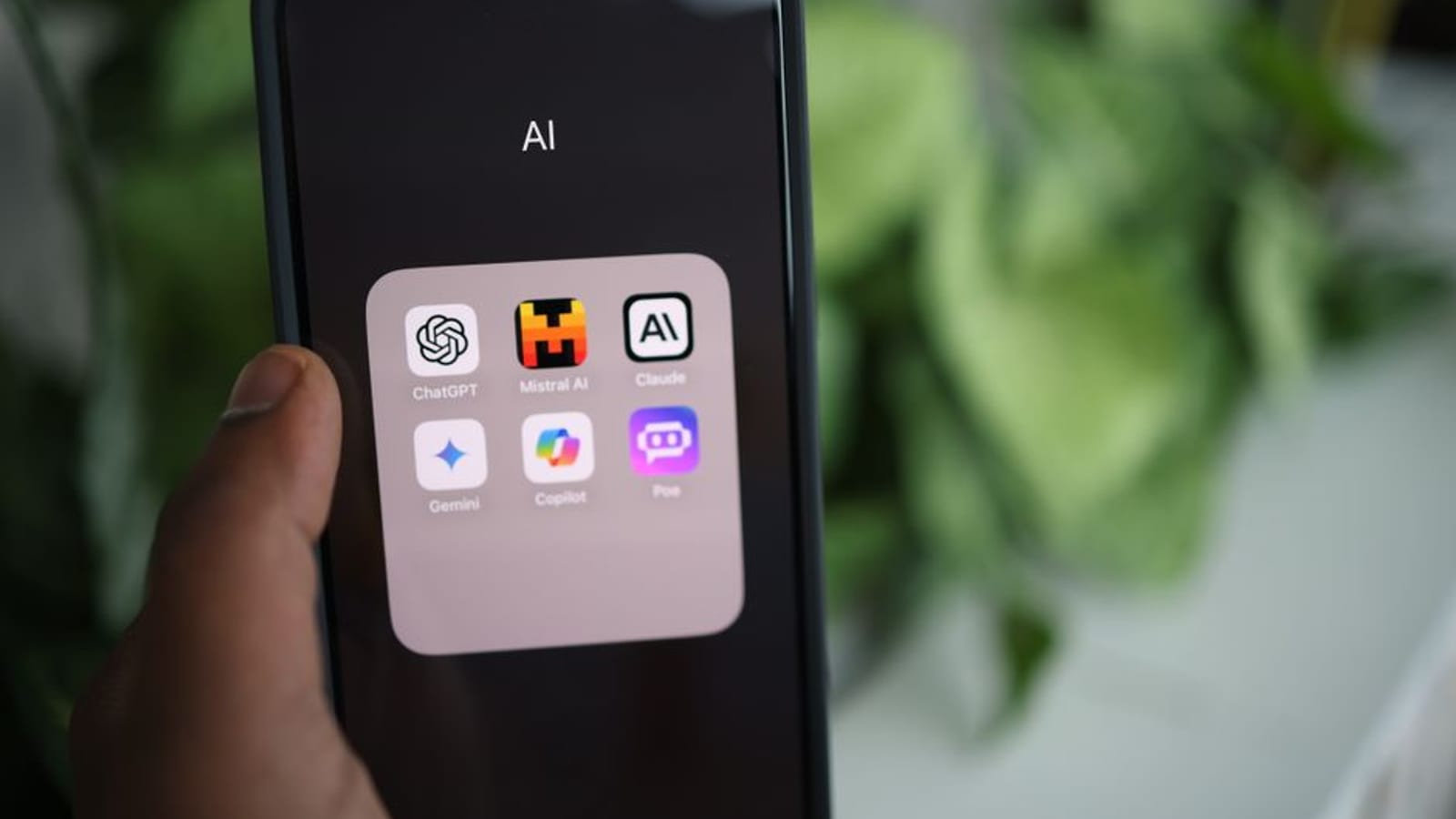
How to Advance with AI Secrets and Earn Real Money
Speed separates shipped products from permanent drafts. In mobile app development, the builders who move fastest do not cut corners — they cut waste. AI tools are how you do that. This guide gives you a direct look at which tools matter, how to deploy them, and what real results look like when you build in silence and let the output speak.
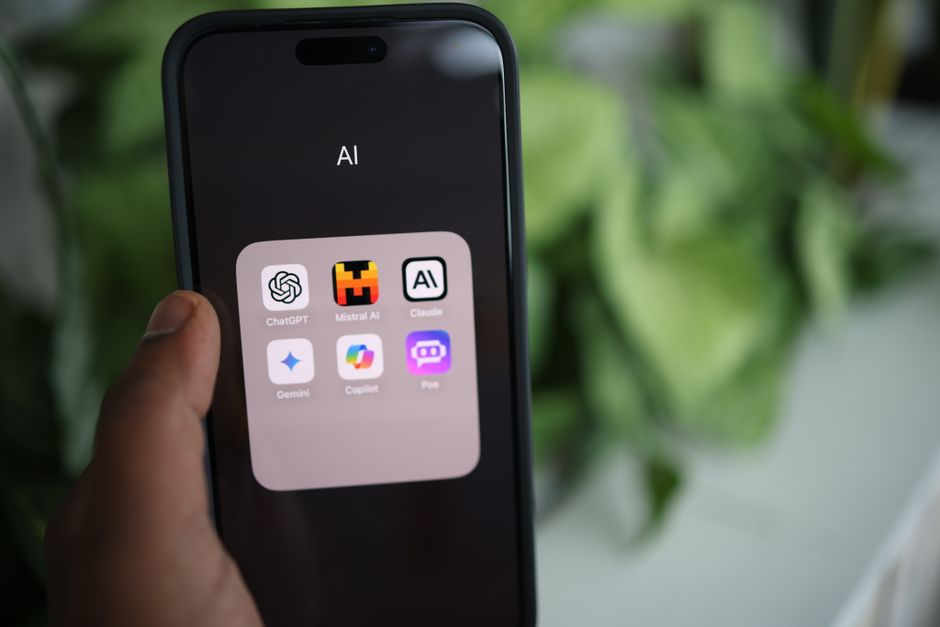
Why AI in Mobile App Development?
AI does not replace good judgment. It eliminates the repetitive work that buries it. Code completion, bug detection, UI pattern suggestions — these are tasks that used to eat hours. Now they take minutes. That shift lets you stay focused on decisions that actually move the product forward.

Specific AI Tools That Streamline Development
Three tools consistently earn their place in a serious build stack:
- GitHub Copilot: AI-powered code completion that suggests snippets in real time. It handles repetitive patterns so you do not have to retype the same logic across files.
- Appy Pie: A no-code platform that uses AI to automate design and core functionality. Useful when you need a working prototype without a full engineering team behind it.
- Dialogflow: The go-to for conversational AI. It lets you build natural voice and chat interfaces directly into your app without starting from scratch.
Each tool reduces friction at a specific stage. Together, they compress your development cycle without introducing new failure points.
Step-by-Step Guide to Using AI in App Development
There is no shortcut to a well-built app. But there is a smarter sequence. Follow this process and you will move faster without losing control of quality.
1. Define Your App’s Scope
Before you write a single line of code, get precise. Who is this for? What does it do on day one? Which platforms — iOS, Android, or both? Vague scope produces vague apps. Nail this first.
2. Choose the Right AI Tools
Match tools to actual requirements. If your app needs voice recognition, Dialogflow belongs in your stack. Do not add tools because they sound impressive. Add them because they solve a specific problem you have already identified.
3. Integrate AI for Backend Tasks
Automate the backend work that does not need a human decision. Data management, server monitoring, performance optimization — these are AI’s territory. ArcanoLabs offers backend solutions that slot into existing systems without requiring a full rebuild.
4. Enhance User Experience with AI
Personalization is not a feature anymore — it is an expectation. Machine learning algorithms that analyze user behavior and surface relevant recommendations drive retention. Build this in early, not as an afterthought.
5. Test and Iterate
Use AI for automated testing. Bugs caught early cost a fraction of bugs caught post-launch. Pair continuous integration tools like Jenkins with AI-driven test suites and you create a feedback loop that tightens with every release.
Case Study: AI-Driven App Success
One development team integrated AI-powered predictive analytics into their mobile app and cut development time by nearly 30%. The system analyzed user behavior and delivered personalized content recommendations automatically. Engagement climbed. User satisfaction scores followed. The team did not announce a big pivot — they just shipped a better product and let the numbers confirm it.
Actionable Next Steps
Do not wait until your stack is perfect. Start moving now with a clear sequence:
- Research: Identify AI tools that directly address your app’s core requirements.
- Plan: Map exactly where AI enters your development workflow and what it replaces.
- Implement: Start with one integration. Prove it works. Then scale.
- Evaluate: Track performance and user impact after every release cycle.
Execute this sequence consistently and you will ship faster, spend less on fixes, and deliver a product users actually stay with. For deeper analysis on AI and automation in your build process, read through ArcanoLabs’ blogs.
AI tools give you a real structural advantage in mobile app development — shorter time to market, fewer errors, and a product that adapts to users instead of ignoring them. The operators who win are not the ones who talk about AI the most. They are the ones who integrate it quietly, test relentlessly, and ship while everyone else is still planning.
Checklist for Implementing AI in Mobile App Development
Run through this before you commit to any integration:
- Identify Project Needs: Pinpoint exactly where AI adds measurable value — automation, personalization, testing, or all three.
- Evaluate AI Tools: Compare tools on features, integration complexity, and platform compatibility. Do not choose on brand recognition alone.
- Prototype Development: Build a prototype with AI integrated. Test it before scaling it.
- Security and Compliance: Confirm every AI integration meets data protection requirements and respects user privacy.
- Performance Monitoring: Set up monitoring from day one. Track AI feature performance and adjust based on real data.
- User Feedback: Collect structured feedback on AI-driven features. Refine based on what users actually experience, not what you assumed they would.
FAQs on Using AI in Mobile App Development
What are the initial steps for incorporating AI into an existing app?
Audit your current architecture first. Find the friction points where AI can improve performance or user experience without destabilizing what already works. Then select tools that fit those specific gaps and phase the integration to control risk.
How do AI tools impact the cost of app development?
There is an upfront cost. But AI consistently reduces total spend by compressing development timelines, catching errors earlier, and cutting the manual testing burden. The return shows up in your next release cycle, not just your first one.
Can AI tools replace developers?
No. AI handles the routine work. Developers handle the judgment calls. The best teams use AI to clear the low-value tasks off the board so their developers can focus on architecture, strategy, and the problems that actually require human thinking.
Key Performance Indicators (KPIs) for AI-Driven App Development
Measure what matters. These four KPIs tell you whether your AI integration is actually working:
- Development Time Reduction: Track how much time AI automation removes from your coding and testing cycles.
- Error Rate: Monitor the drop in bugs and coding errors identified through AI-powered testing.
- User Engagement: Measure session duration and interaction frequency before and after AI-driven personalization goes live.
- Cost Efficiency: Calculate savings from reduced development time and smarter resource allocation across your team.
Case Study: AI-Powered Personalization in E-commerce Apps
An e-commerce app deployed machine learning to generate personalized product recommendations based on individual browsing history and purchase behavior. Conversion rates rose 20%. Customer satisfaction scores improved alongside them. The AI did not replace the product team’s instincts — it gave those instincts real data to act on at scale.
Best Practices for AI Integration
These principles separate teams that get results from teams that get busy:
- Continuous Learning: AI capabilities evolve fast. Stay current and adopt features that align with where your app is headed, not just where it is now.
- Collaborative Approach: Put developers and AI specialists in the same conversation early. Seamless integration requires shared context, not siloed handoffs.
- Focus on User Experience: Every AI feature you ship should make the app more useful or more intuitive. If it does neither, cut it.
- Iterative Testing: Test, measure, adjust, repeat. Build that cycle into your process from the start and your AI features will compound in quality over time.
Follow these principles and AI stops being a buzzword in your roadmap and starts being a structural advantage in your output.
Understanding AI’s Role in Mobile App Development
AI’s core value in mobile development is precision at scale. It processes data faster than any team can, surfaces behavioral patterns that would otherwise stay invisible, and automates the operational work that slows down shipping. When you use it to handle code suggestions, algorithm optimization, and user behavior analysis, you free your team to focus on the decisions that define whether an app wins or gets ignored. That is not a minor efficiency gain. It is a compounding advantage that widens every release cycle you run.


Leave a Reply