


How to Update and Maintain Your Mobile App After Launch
Your app is live. That is not the finish line. It is the starting gun. What happens in the months after launch determines whether your app compounds in value or quietly dies in the store. This guide gives you the concrete steps, tools, and systems to keep your app competitive, secure, and worth opening.
Understanding the Importance of Post-Launch Maintenance
Most builders celebrate launch day and then coast. That is exactly when the silent operators get to work. Regular updates keep your app functional, secure, and aligned with what users actually expect. Skip maintenance and you get performance decay, security gaps, and users who quietly delete you. The apps that hold their ground ship updates every few weeks — patching bugs, tightening experience, adding value.
Why Consistent Updates Matter
Updates are not just bug fixes. They are signals. Each release tells your users you are paying attention. WhatsApp ships updates constantly — security hardening, disappearing messages, interface refinements. That cadence is why it stays relevant in a market that never stops moving.
Security: A Top Priority
Security is not optional. It is the floor. Vulnerabilities appear fast — many apps face active threats within months of launch. Proactive patching is the only answer. Waiting until something breaks is not a strategy. It is a liability.
Implementing a Structured Update Plan
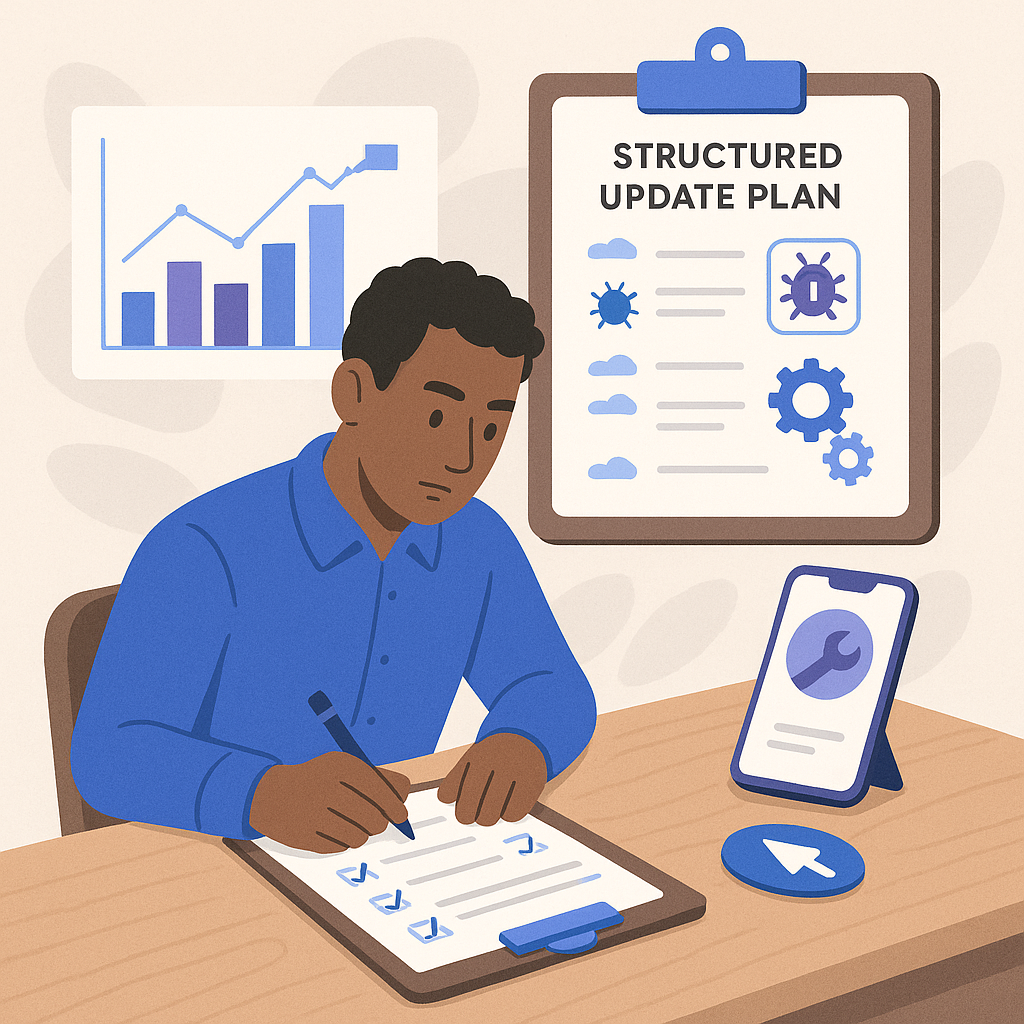
Winging your update schedule is how good apps go stale. Build a structured plan that defines update frequency, update types, and your testing and deployment process. Treat it like a repeatable system, not a reaction to chaos.
Step-by-Step Guide to Creating an Update Plan
- Analyze User Feedback: Collect and review feedback on a regular cadence. Tools like UserVoice surface what users want more of and what is pushing them away.
- Set a Schedule: Commit to a fixed update rhythm. Most high-performing apps ship every two to four weeks.
- Prioritize Updates: Use a priority matrix. Security patches go first. Feature requests get queued by impact. Not everything is urgent.
- Test Thoroughly: Never ship blind. BrowserStack gives you real-device testing across the fragmented hardware landscape your users actually own.
- Deploy Seamlessly: Automate your deployment pipeline with CI/CD tools like CircleCI. Less human touch means fewer release-day disasters.
Utilizing Tools for Efficient Maintenance
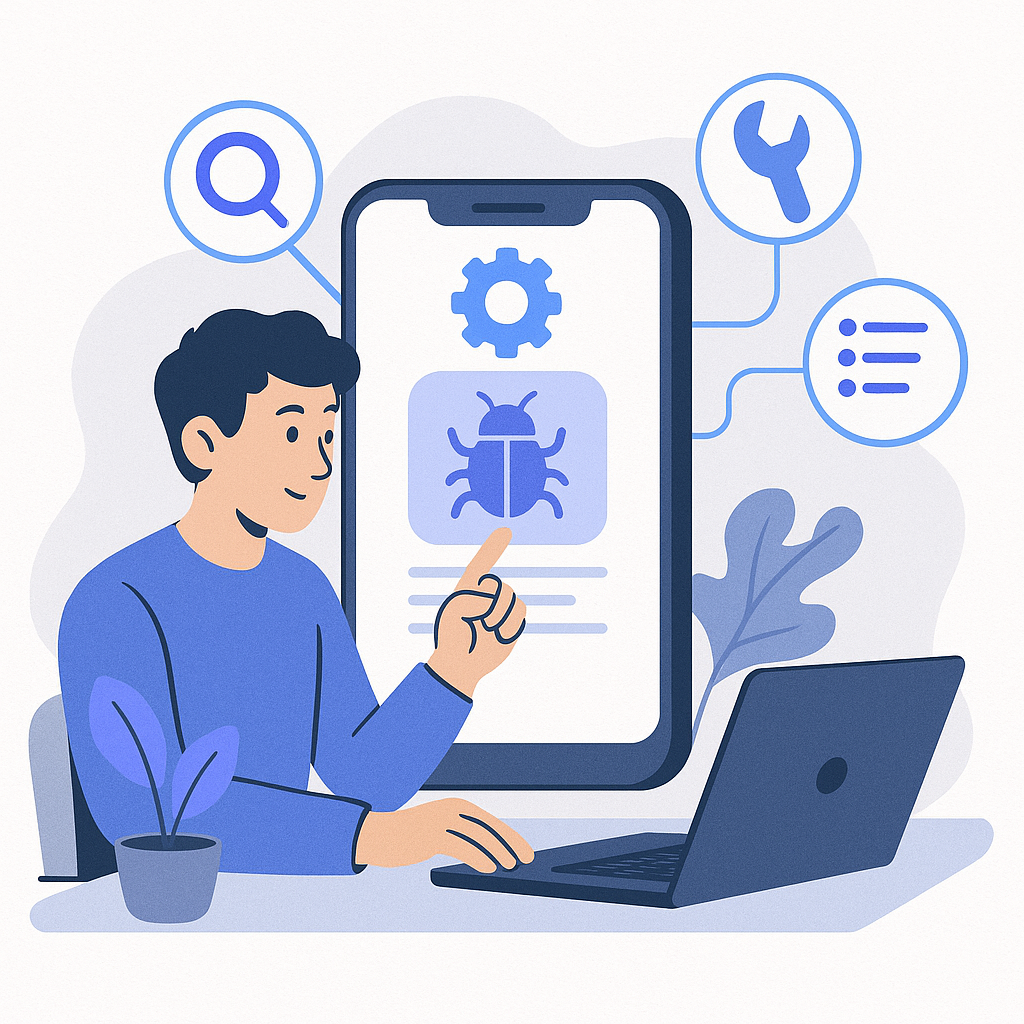
The right tools cut noise and surface what matters. Build your maintenance stack around these categories:
- Bug Tracking: Jira or Bugzilla keep your issue queue organized and nothing falls through the cracks.
- Analytics: Firebase Analytics shows you exactly how users move through your app. Let the data drive your decisions, not assumptions.
- Customer Support: Zendesk handles user queries at scale and feeds real signal back into your development roadmap.
- Performance Monitoring: New Relic watches your app around the clock and alerts you before users start complaining.
Expanding Features to Meet User Needs
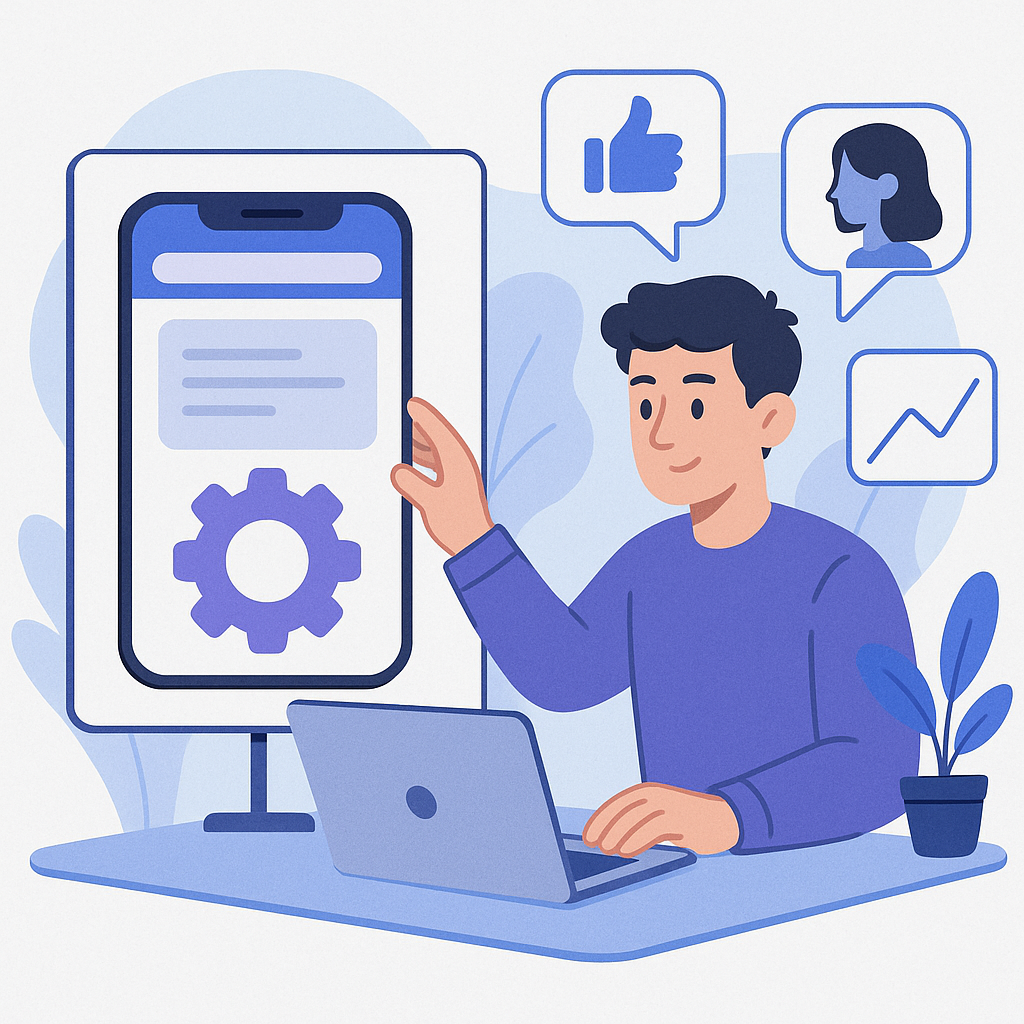
Updates are not just maintenance. They are growth opportunities. Your users are telling you what they want — in reviews, in support tickets, in the features they keep requesting. Listen, then build.
Case Study: Enhancing User Engagement
A fitness app noticed users talking about sharing their achievements. They shipped social sharing. Engagement climbed. Downloads followed. The feature did not come from a brainstorm — it came from paying attention to what users were already asking for.
Run that same process yourself. Read your app store reviews weekly. Run short surveys. Map what you hear directly to your development roadmap. Build what your users are already asking for before a competitor does.
Ensuring Compatibility with New Technologies
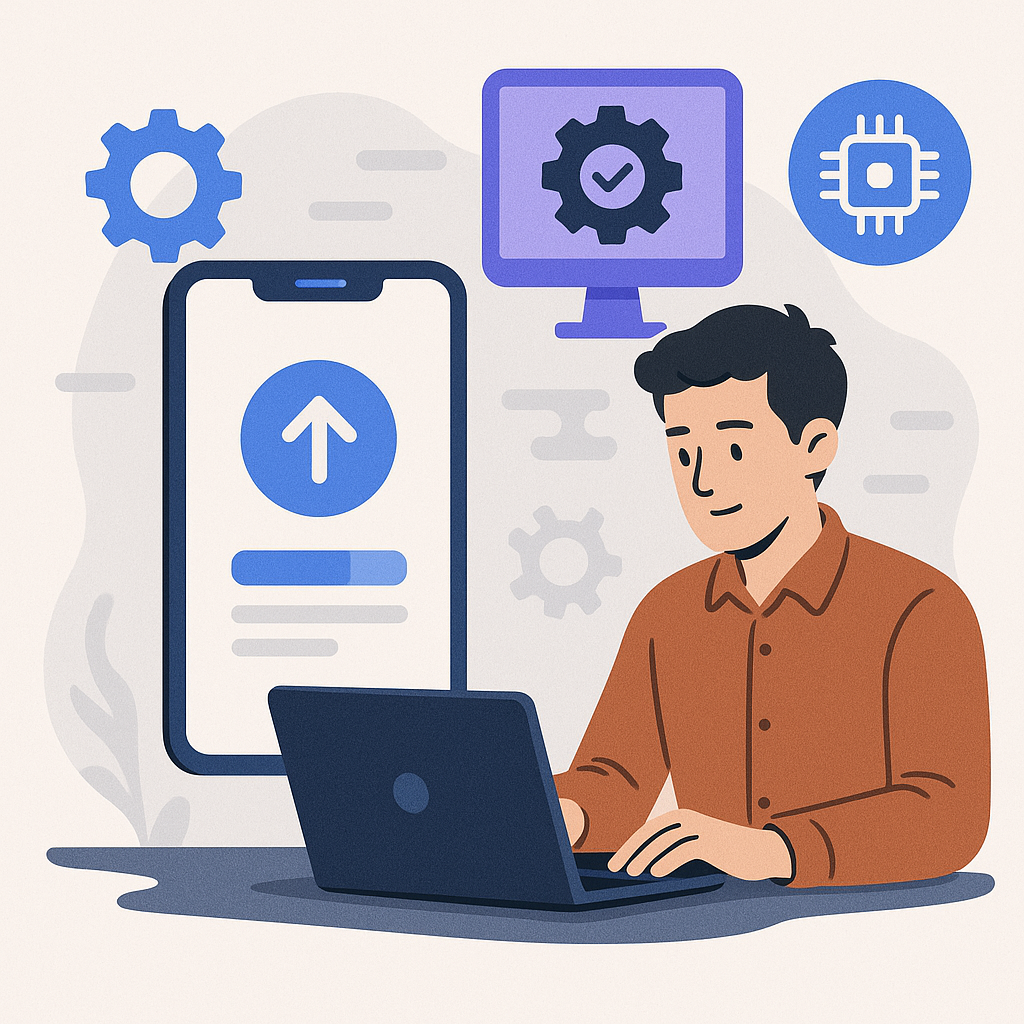
The platform moves whether you are ready or not. Apple and Google ship OS updates on their schedule. Your app needs to keep pace or it breaks on the devices your users just upgraded to.
Proactive Steps for Compatibility
- Stay Informed: Track developer announcements from Apple and Google. Surprises are expensive. Anticipation is free.
- Test on New Devices: Use device farms or cloud-based testing services to validate your app on the latest hardware before your users find the problems first.
- Update Documentation: Keep internal docs current. Your team cannot execute on what they do not understand.
Actionable Next Steps
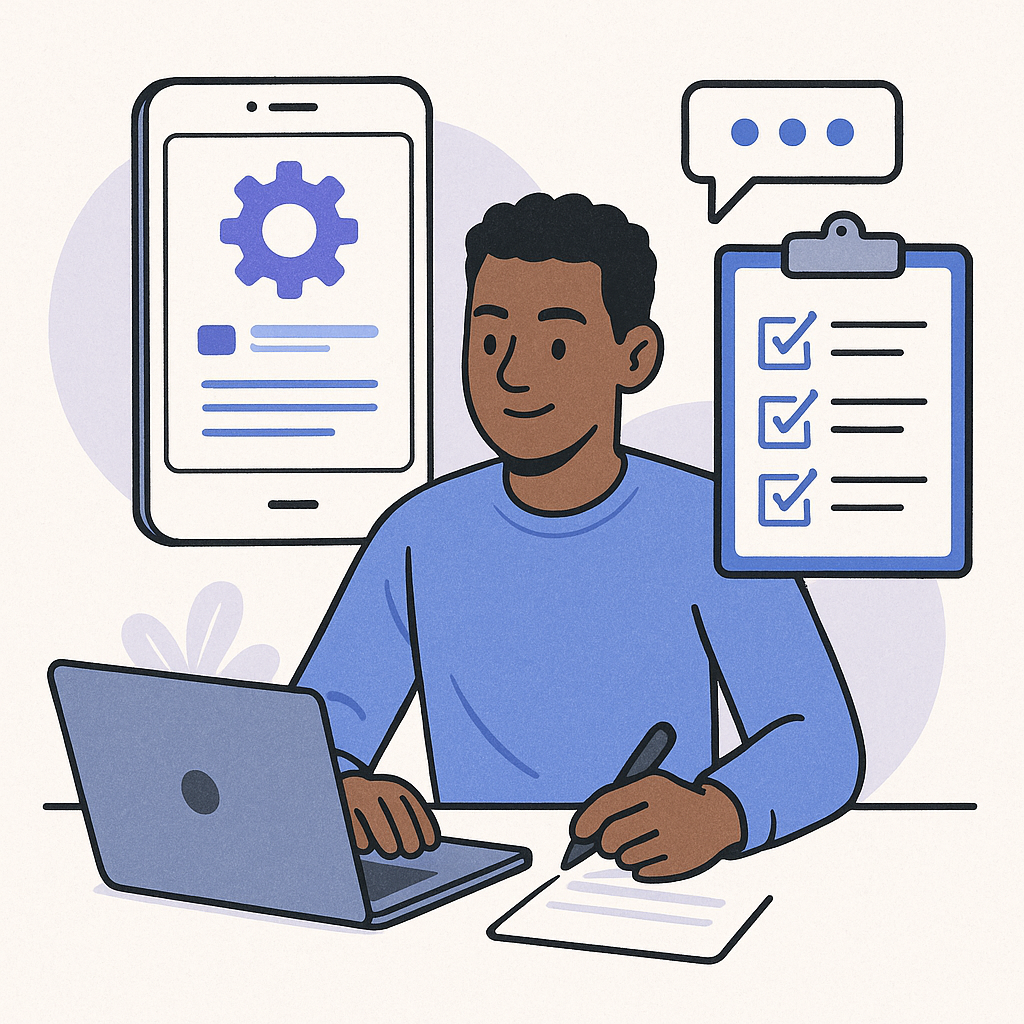
Stop planning and start executing. Here is your checklist:
- Lock in a fixed update schedule and protect it.
- Deploy user feedback tools and actually read what comes back.
- Let analytics drive your decisions, not gut feelings.
- Audit your security posture and confirm compatibility with current OS versions.
For more on building systems that compound over time, visit ArcanoLabs Blogs — where we publish strategies to grow your digital presence and sharpen your app’s performance.
Consistent maintenance is not glamorous. It is how you build something that lasts. The operators who win do not wait for their app to break. They run tight systems, ship on schedule, and let the compounding do the loud talking.
Leveraging User Personas for Targeted Updates
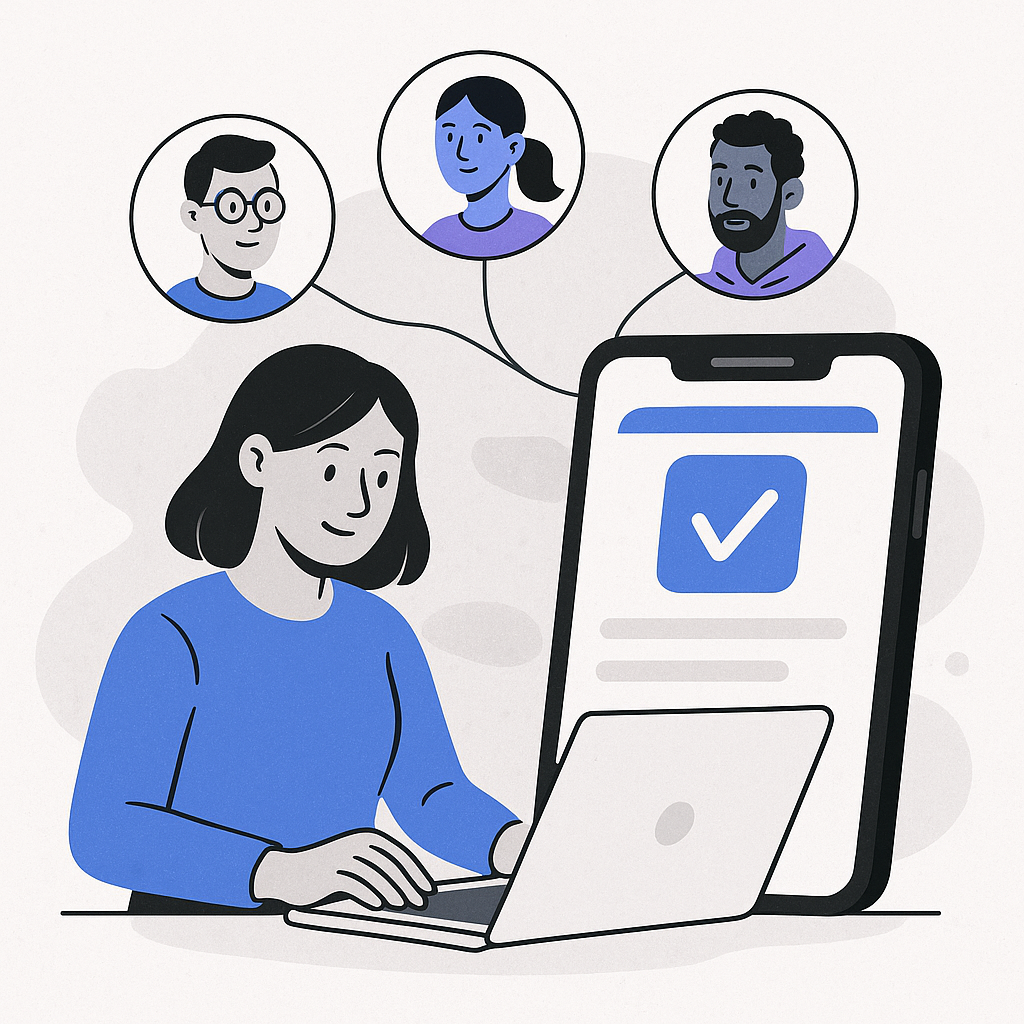
Generic updates serve no one well. When you know exactly who is using your app and why, every release gets sharper. User personas turn your update strategy from a guess into a system.
Creating User Personas
- Identify Key User Segments: Dig into your user data. Group people by demographics, behavior patterns, and what they are trying to accomplish inside your app.
- Develop Detailed Profiles: For each segment, build a profile — age, occupation, goals, friction points, and the features they rely on most.
- Use Personas to Guide Updates: Map every planned update back to a persona. If a feature does not serve someone specific, question whether it belongs in the next release at all.
If a core segment of your users cares deeply about privacy, that tells you exactly where your next security update should focus. Build for the people already in your app.
Metrics for Evaluating Update Success
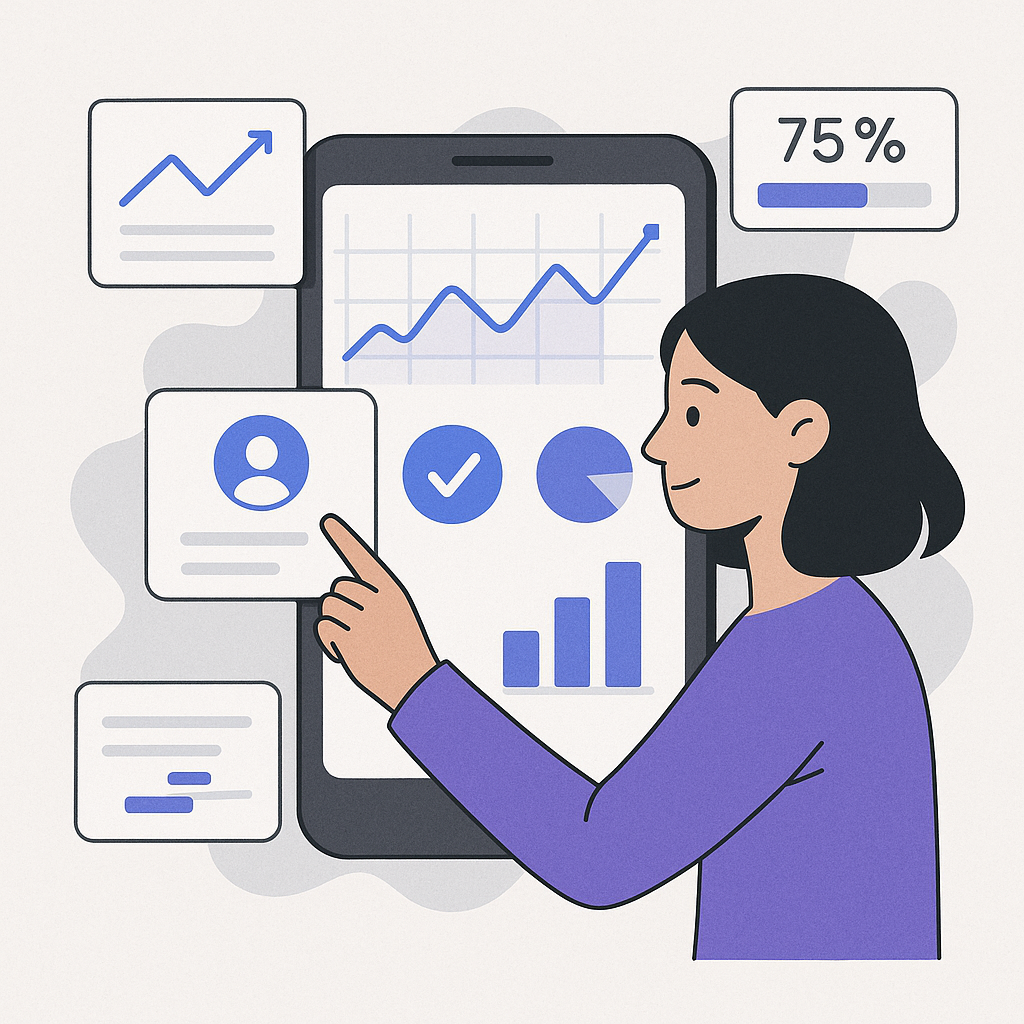
Shipping an update without measuring its impact is guesswork with extra steps. Track the numbers that actually tell you whether the release moved the needle.
Key Metrics to Track
- User Engagement: Watch session length, use frequency, and feature adoption. These tell you whether the update added real value or just added noise.
- App Stability: Monitor crash rates and bug reports immediately post-release. A spike means something broke. Address it fast.
- User Retention: Retention rates reveal whether your updates are building loyalty or accelerating churn. The number does not lie.
- Feedback and Ratings: App store ratings shift after major updates. Read the reviews. Users will tell you exactly what worked and what did not.
Review these metrics after every release. Let the data shape your next update cycle. That feedback loop is how good apps get better systematically.
Collaborating with Cross-Functional Teams
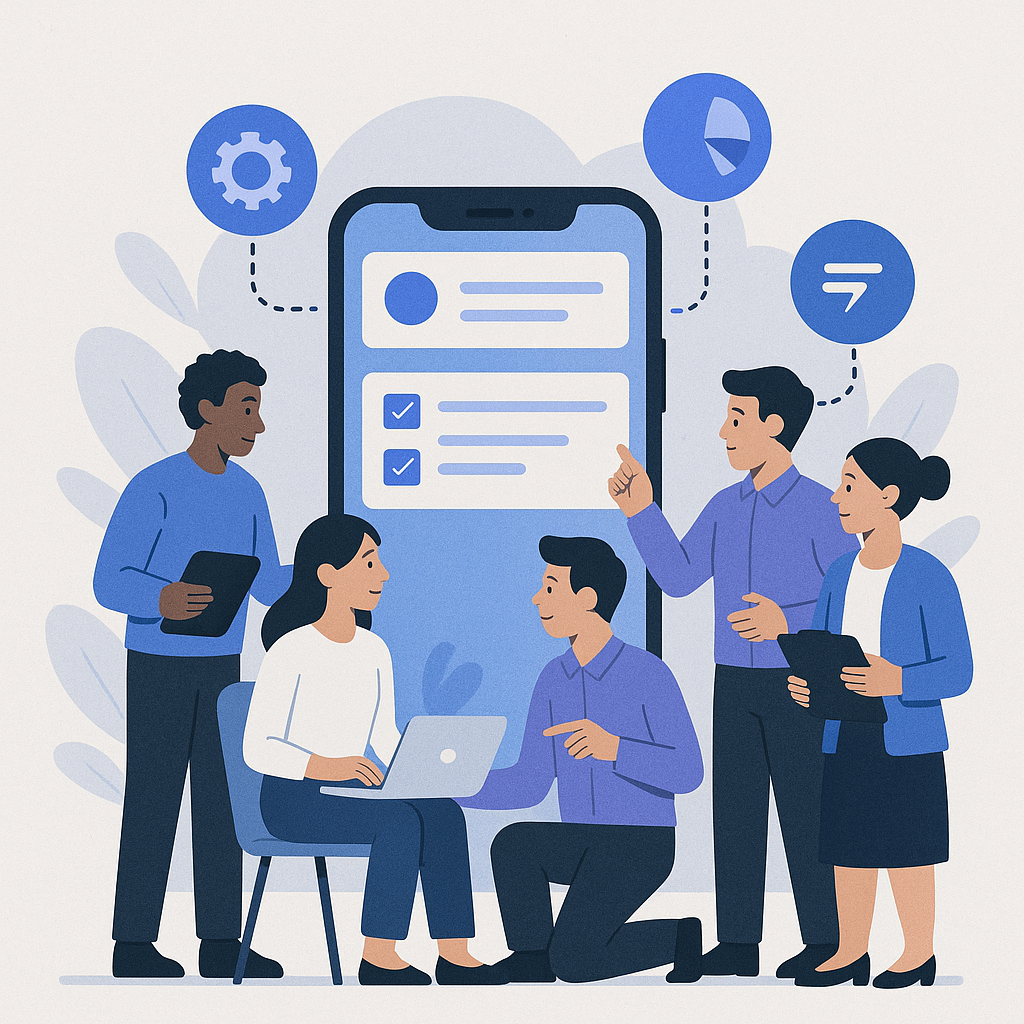
No single team has the full picture. Development sees the code. Marketing sees acquisition. Support hears the complaints. Maintenance done well pulls all of that signal into one coherent direction.
Building a Collaborative Environment
- Regular Communication: Run standing syncs with development, marketing, customer support, and design. Align on priorities before the sprint starts, not after it ends.
- Shared Goals and KPIs: Every team should be working toward the same outcomes. Siloed metrics create siloed decisions.
- Feedback Loop: Build a structured channel for teams to surface user insights and technical blockers. Information that stays inside one department does not improve your app.
Your marketing team knows which user segments are growing. Your support team knows which bugs are generating the most tickets. Put those two data points together and you have a sharper update priority list than any single team could build alone.
FAQs on App Maintenance and Updates
How often should I update my mobile app?
There is no universal answer, but most high-performing apps ship every two to four weeks. Your right cadence depends on app complexity, the volume of user feedback coming in, and how urgent your current issues are.
What should I do if an update introduces new bugs?
Move fast. Roll back if the damage is significant. Prioritize the fix above everything else in the queue. Then communicate directly with your users — tell them what happened and what you are doing about it. Transparency costs nothing and builds trust.
How can I ensure my app updates do not disrupt user experience?
Test before you ship. Run a beta with a small user group to catch issues before they hit your full audience. Make sure the update installs cleanly and does not require users to jump through hoops to get back to where they were.
Leave a Reply