

A faceless creator’s desk doesn’t need to look like a streaming studio. It needs to do one thing: let you ship content faster than your competition while keeping more of what you earn.
Why $500 is the real threshold
Below $500, you’re fighting your own hardware. Go much past it, and you’re mostly paying for aesthetics. The real answer sits right at that number. Run the cost-per-content-piece math and it becomes clear: slow gear doesn’t save you money, it costs you time. And time spent troubleshooting or waiting on renders is time that isn’t compounding into owned traffic.
Faceless creators have one advantage over on-camera creators — you don’t need a camera, a ring light, or a treated room. Every dollar goes straight into tools that move work forward. Here’s exactly where those dollars go and how the system pays you back.
The non-negotiable three: CPU, storage, and internet
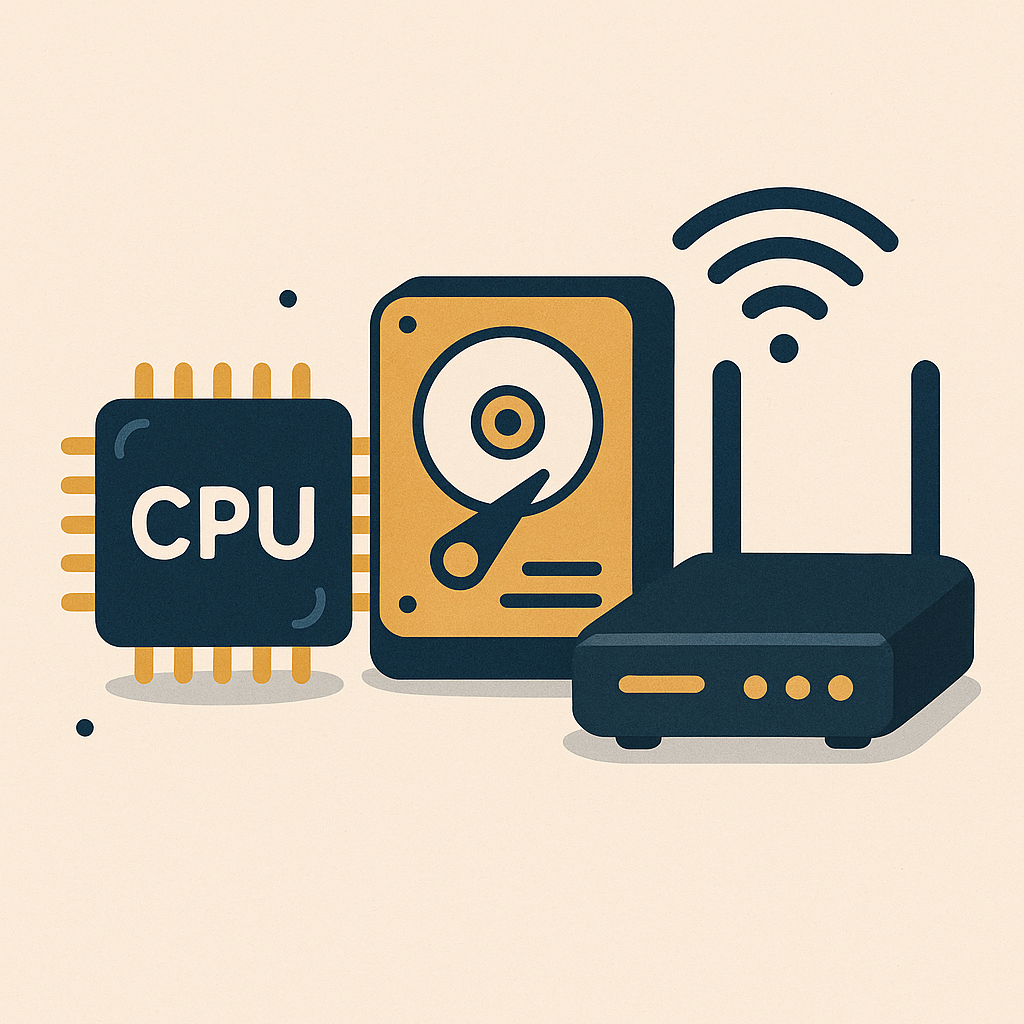
Three components determine whether your setup ships content or stalls it. Everything else is optional. These three are not.
Processing Power: A capable CPU handles video rendering, browser-heavy research tabs, and AI tools without making you wait. Look for a balance between core count and clock speed. Waiting on a slow processor is a tax you pay on every single piece of content you produce.
Storage: A fast SSD cuts load times across the board. For a faceless creator, quick access to project files, templates, and asset libraries is the difference between a smooth session and a frustrating one. Don’t compromise here.
Internet Speed: You need at least 20 Mbps upload to push content live without delays. Reliable internet is owned traffic infrastructure — without it, nothing else in the system works.
The exact $500 build (with receipts)
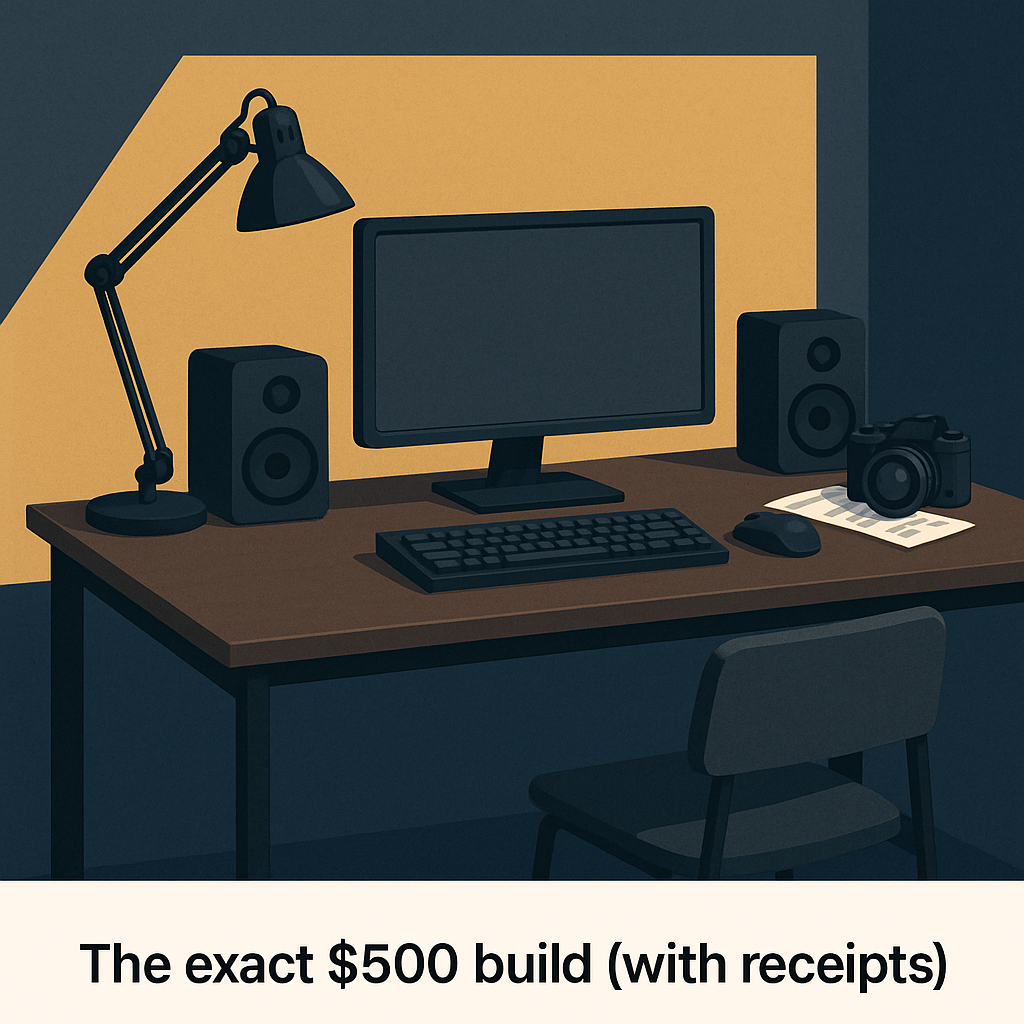
Here’s a specific, buyable configuration built around the actual work faceless creators do — content production, research, and publishing. These are real numbers, not estimates.
- Used vs. New: Refurbished components on eBay or local listings stretch your budget without cutting performance. A one-year-old mid-range machine beats a brand-new budget machine every time.
- CPU: A mid-range Intel i5 or AMD Ryzen 5 runs around $150 and handles everything in a faceless creator’s workflow without breaking a sweat.
- Storage: A 500GB SSD — the Samsung 860 Evo runs about $60 — keeps your file access fast and your sessions uninterrupted.
- Internet: A reliable router like the TP-Link Archer A7 at around $50 keeps your connection stable when you’re uploading or running cloud-based tools.
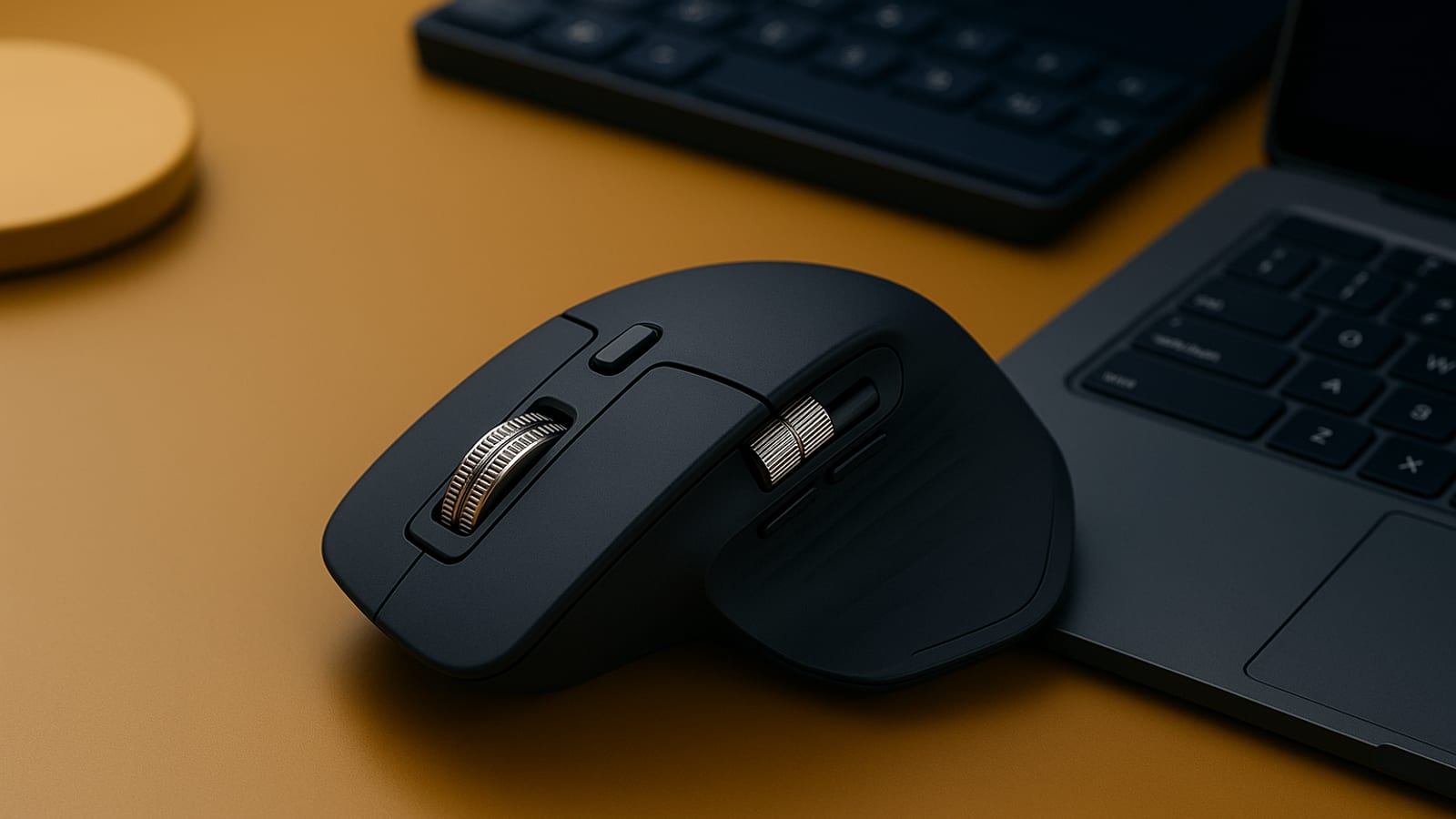
- Keyboard and Mouse: The Logitech MX Master 3S at $100 is the right call — it’s the tool you touch every single hour you’re working.
That’s the build. It respects your budget and focuses on performance. It’s a foundation that compounds as your output — and your income — does.
What you skip (and why)
It’s easy to spend money on gear that looks productive without actually making you faster. Here’s what to leave out for now.
- Lighting, Microphones, and Cameras: You’re faceless. These are costs that belong to a different system entirely. Skip them.
- RGB, Dual Monitors, and Ergonomic Chairs: Nice to have later, once the setup is paying for itself. Not now.
- The exception: A quality keyboard and mouse are worth every dollar because you use them every hour. The Logitech MX Master 3S handles the mouse side. For typing, the Keychron K2 gives you a fast, comfortable experience that holds up over long sessions.
How to upgrade without starting over
This setup is a floor, not a ceiling. As your income grows, you upgrade in place — no need to scrap what’s already working.
- First upgrade: Add RAM. More memory means smoother multitasking and fewer bottlenecks when you’re running multiple tools at once.
- Funding upgrades: Sell your old components on eBay. The resale market for mid-range hardware is active. Your $150 CPU today might recover $80 toward a better one in eighteen months.
- Path to $2,000: Replace components one at a time — a faster CPU, then a better GPU if your workflow needs it. Each swap improves the system without resetting it.
The setup that actually ships
The goal is simple: more content, faster, at a lower cost-per-piece. That’s the only metric that matters when you’re building a system designed to generate owned traffic while you sleep.
- Time saved: Faster hardware means fewer hours lost to waiting. Those hours go back into production, research, or publishing — all of which compound.
- Workflow fit: This setup covers every stage of a faceless creator’s process, from ideation through publication, without friction.
- Real output: In 30 days, a setup like this can produce a meaningful volume of content. Track your pieces per week before and after. The receipts will tell you everything.
Join ArcanoLabs to see how faceless creators turn setups like this into owned-traffic systems that compound while you sleep.
Essential Accessories to Enhance Productivity
The core components carry the weight, but a few targeted accessories keep the work moving without adding much to the bill.
- Monitor Stand: Getting your screen to eye level costs about $20 and saves you from the kind of neck strain that cuts your sessions short. The AmazonBasics Adjustable Monitor Stand does the job.
- Cable Management Kit: A clean desk is a faster desk. Cable clips and sleeves run under $15 and remove one small friction point from every session.
- Desk Organizer: Keep your surface clear. Something like the SimpleHouseware Desk Organizer runs about $10 and keeps your physical workspace as organized as your file system should be.
- Noise-Cancelling Headphones: Focus is a productivity input. The Anker Soundcore Life Q20 delivers solid noise cancellation for around $60 — a reasonable spend when the alternative is losing an hour of output to distraction.
Checklist for Optimizing Your Workspace
The hardware is only part of the system. The environment around it shapes how much you actually get done each session.
- Lighting: Natural light is free. A desk lamp costs under $30. Either way, reduce eye strain so your sessions run longer without fatigue.
- Ergonomics: Feet flat, arms at ninety degrees, screen at eye level. Small adjustments here pay off across hundreds of hours of work.
- Noise levels: Identify what’s pulling your attention and cut it. A white noise machine runs about $25 and earns its cost back quickly in recovered focus time.
- Personalization: A plant or a piece of art on the desk isn’t vanity — it’s a signal to your brain that this is a place where work gets done.
Key Performance Indicators (KPIs) for Measuring Setup Effectiveness
You need to know whether the setup is actually working. Track these numbers and let the receipts make the case.
- Content output rate: Count the pieces you publish each week. If that number isn’t climbing after the upgrade, something else in the system needs attention.
- Time spent troubleshooting: Log it. Every hour on a technical problem is an hour not producing. A good setup drives this number toward zero.
- Cost-per-content-piece: Divide your total setup cost by the number of pieces produced. Watch that number drop as output scales. That’s the system working.
- System downtime: Track outages from hardware failures or connectivity drops. Downtime is a direct tax on owned traffic growth.
Case Study: Successful Budget Setup Transformation
Alex is a freelance content creator who was running a sluggish laptop and an unreliable internet connection. Client deadlines were slipping. Output was inconsistent. The hardware was costing him more in lost time than a proper setup ever would have.
He put $500 into a mid-range processor, an SSD, and a stable router. Within one month, his content output doubled. Client satisfaction scores went up 30%, driven entirely by faster turnaround times. The receipts were clear.
The real answer wasn’t working harder. It was removing the friction the old setup was creating. With faster processing and reliable storage, Alex moved from managing one project at a time to running several simultaneously — and the system kept up with him.
FAQs for Faceless Creators on a Budget
A few questions that come up consistently when creators are putting this setup together.
- Can I use a laptop instead of a desktop? Yes, as long as it meets the same CPU and storage standards. Laptops cost more for equivalent performance, but the portability can be worth it depending on how you work.
- Is a second monitor worth it? Not at the start. Once the setup is generating consistent output, a second screen can improve multitasking. Add it when the numbers justify it.
- How often should I upgrade? Reassess every twelve to eighteen months, or when your workload outpaces your hardware. The system should serve your output, not limit it.
- What about specialized software? Prioritize tools that fit your specific workflow. Free and discounted versions exist for most categories — check for creator, student, or professional tiers before paying full price.
Budget-Friendly Software Solutions for Faceless Creators
The right software turns a $500 hardware setup into a complete production system. These options keep costs low without cutting capability.
- Video Editing: DaVinci Resolve is free and handles professional-grade work. There’s no reason to pay for an editor until your workflow demands features it doesn’t have.
- Graphic Design: GIMP covers most of what Photoshop does at zero cost. For a faceless creator producing thumbnails and graphics, it’s more than enough.
- Project Management: Trello’s free tier is built for exactly this kind of operation — tracking content from idea to published, without overcomplicating the process.
Disclosure: this article may contain affiliate links. If you buy through them, we may earn a small commission at no extra cost to you.


Leave a Reply