

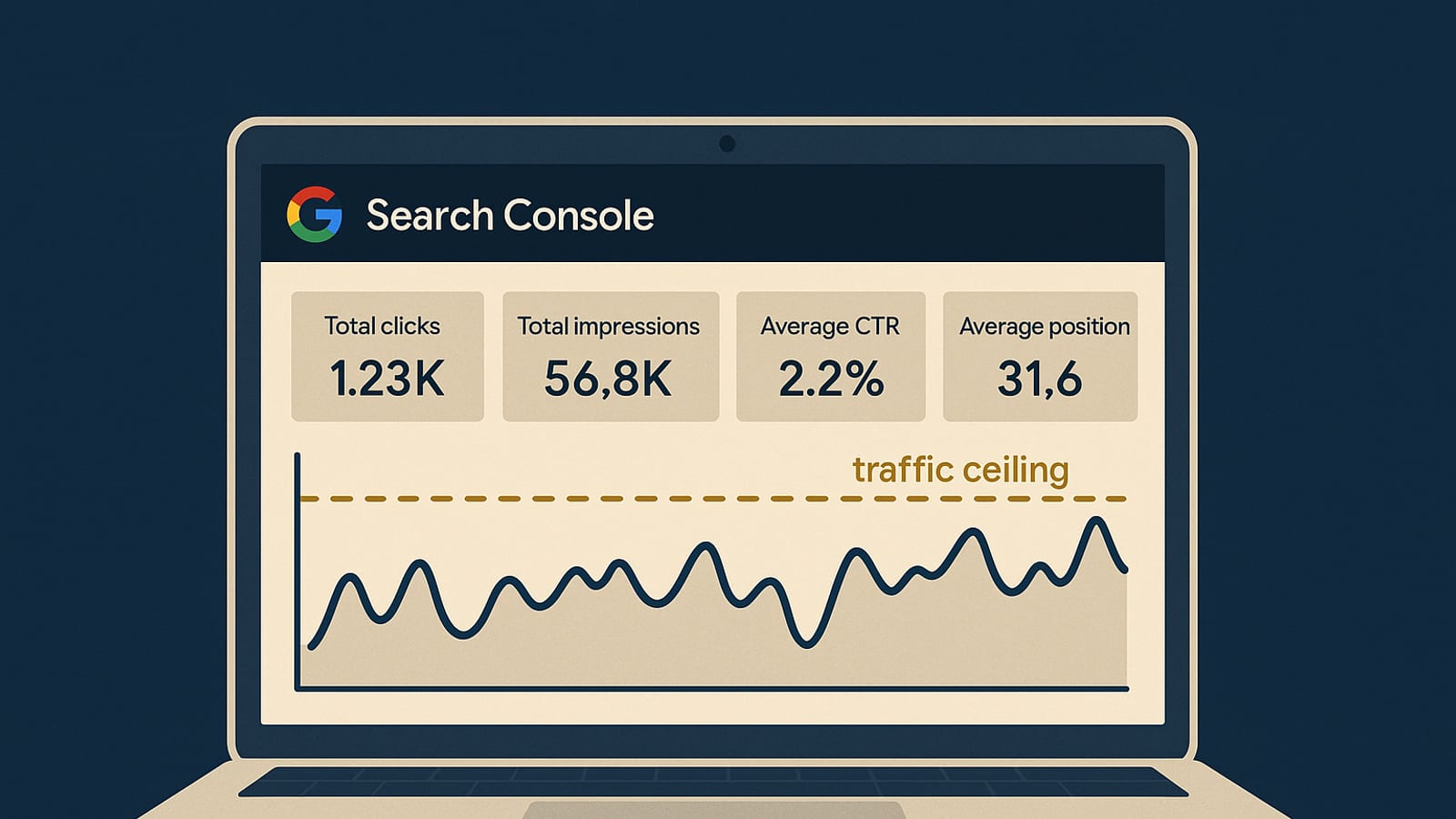
What Google Search Console Actually Shows You About Your Site’s Traffic Ceiling
Imagine waking up to find your website quietly pulling in thousands of visitors overnight. No frantic ad campaigns, no viral content, just a steady stream of traffic that compounds while you sleep. This isn’t a pipe dream; it’s a system, and Google Search Console is your key to understanding how high your traffic ceiling can go. Let’s dive into the real numbers and show you how to read this data to grow your site’s traffic effectively.
Setting the Stage: What Is Google Search Console?
Google Search Console is like the dashboard of a car, showing you the speed, mileage, and alerts about your vehicle’s health. For your website, it provides insights into search performance, indexing status, and potential issues that could limit your visibility. Instead of relying on paid traffic, you learn to own your traffic by optimizing what you have.
Real Numbers: Why It Matters
Let’s talk numbers. Many site owners see a significant increase in organic traffic after addressing issues highlighted in the Search Console. It’s not uncommon for traffic to double when you focus on optimizing your existing content based on this data. Now, let’s break down how you can achieve similar results.
Digging into the Data: Key Metrics to Watch

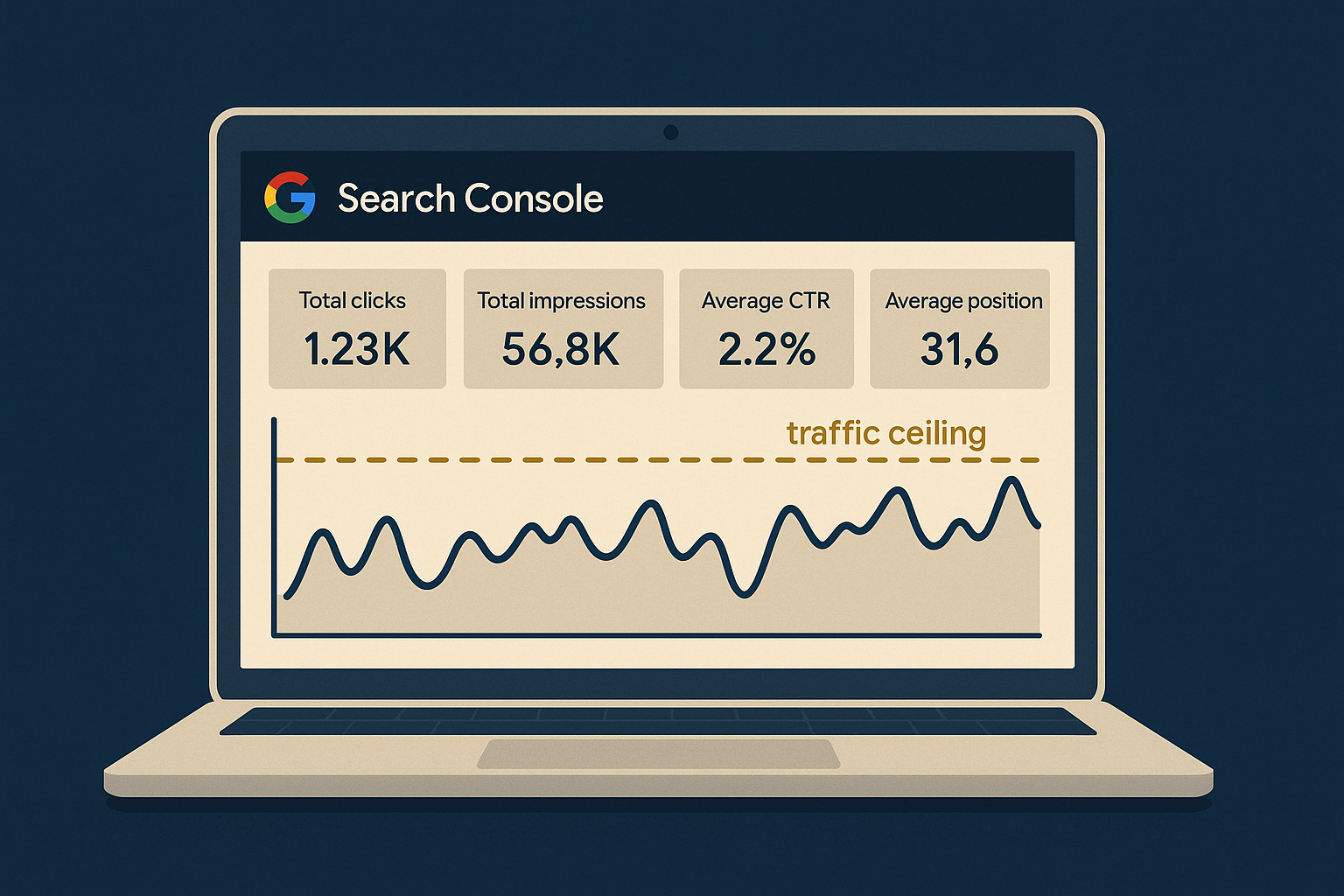
When you open Google Search Console, the sheer volume of data can be overwhelming. Focus on these key metrics to understand your traffic ceiling:
- Impressions: This shows how often your site appears in search results. Analyzing trends here can indicate potential for growth.
- Clicks: This metric reveals how many users click through to your site. A low click-through rate (CTR) might suggest that your meta descriptions or titles need work.
- Average Position: Your average rank in search results. Climbing even a few positions can significantly increase traffic.
- Coverage Reports: Errors here may prevent your pages from being indexed, directly affecting your traffic potential.
Step-by-Step: Improving Your Click-Through Rate
Improving your CTR is one of the quickest ways to increase traffic without creating new content. Here’s how:
- Identify pages with high impressions but low CTR in the Performance report.
- Revise titles and meta descriptions to be more engaging and relevant.
- Use numbers and power words to attract clicks.
- Monitor changes weekly to see what works.
Tools and Resources: Enhancing Your GSC Experience
While Google Search Console is powerful on its own, pairing it with other tools can amplify your results. Here are some recommended tools:
- Keychron K2: Enhance your productivity with a reliable keyboard.
- Sony WH-1000XM5: Noise-cancelling headphones to keep you focused.
- Blue Yeti Microphone: Perfect for creating video content that complements your site.
Additionally, tools like SEMrush and Ahrefs can provide deeper insights into keywords and backlinks, offering a more comprehensive view of your SEO efforts.
Case Study: From Data to Dollars
Consider a site owner who increased their traffic by 150% in three months. They did this by focusing on optimizing for keywords with high impressions but low CTR. By adjusting their meta data and addressing errors in the Coverage report, they saw their average position climb, leading to a dramatic increase in traffic.
This isn’t just theory. It’s a system that, when applied consistently, delivers receipts. You can read more about similar strategies in our blog for further insights.
Actionable Next Steps: Implementing What You’ve Learned
Ready to take action? Here’s your blueprint for leveraging Google Search Console to reach your site’s traffic ceiling:
- Log into Google Search Console: Familiarize yourself with the interface and key metrics.
- Monitor Performance: Regularly check your impressions, clicks, and average position.
- Address Coverage Issues: Fix errors to ensure all your content is indexed.
- Optimize for CTR: Use the step-by-step guide provided to improve your click-through rate.
- Leverage Tools: Consider using additional SEO tools for deeper insights.
By systematically applying these strategies, you can transform your site into a traffic-generating machine, running smoothly while you sleep.
For more in-depth tutorials on building income systems, visit our tutorials page. Remember, owning your traffic means understanding and leveraging the data you already have. With Google Search Console, you have the tools to unlock your site’s potential—no hype, just real results.
Advanced Techniques: Leveraging Search Console for Long-Tail Keywords
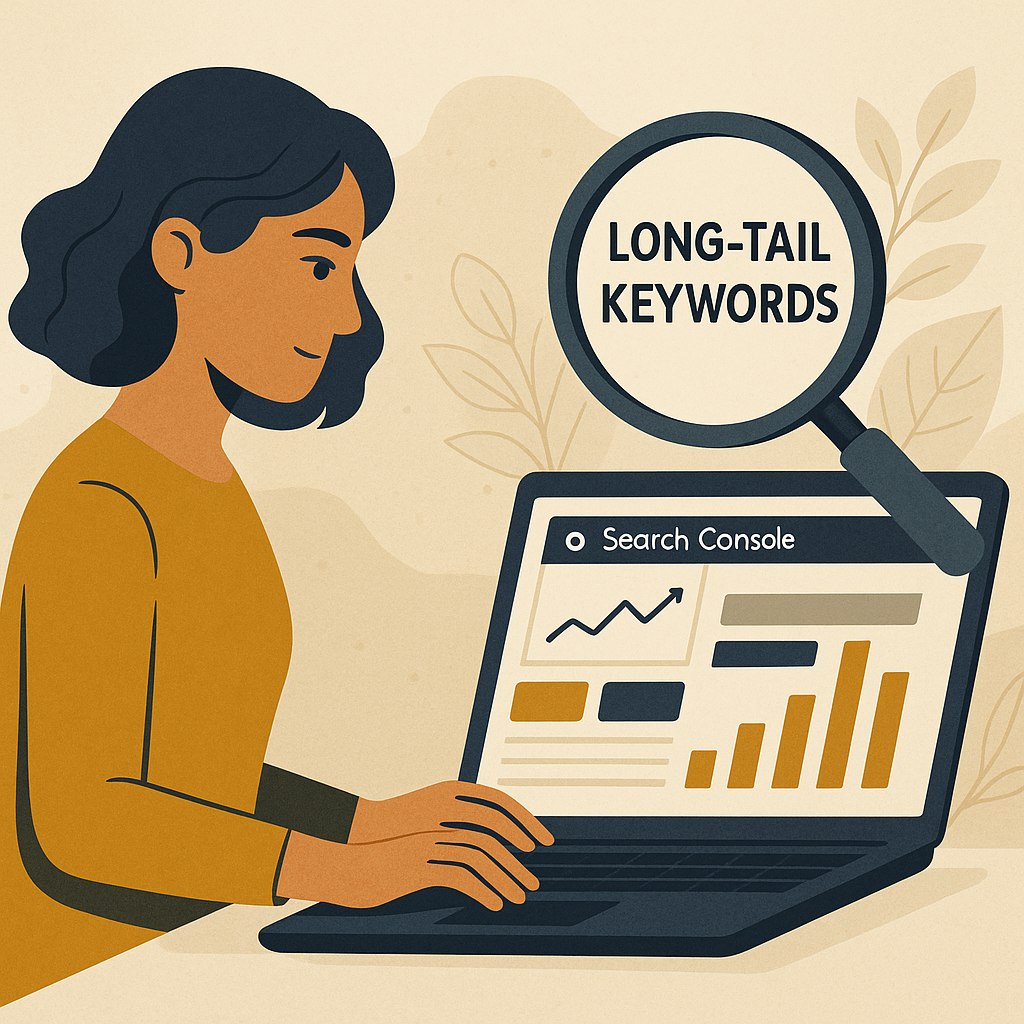
While focusing on high-volume keywords is essential, long-tail keywords often hold untapped potential for increasing your site’s traffic ceiling. These are typically less competitive and can drive highly targeted traffic. Here’s how to use Google Search Console to identify and optimize for long-tail keywords:
Identifying Long-Tail Keywords
- Performance Report: Use the Performance tab to filter queries by clicks and impressions. Look for longer, more specific search queries that are already bringing in some traffic.
- Query Filtering: Apply filters to find queries containing multiple words or specific phrases related to your niche.
- Analyze Trends: Look for patterns in the queries over time. This can indicate emerging topics or seasonal interests that you can capitalize on.
Optimizing Content for Long-Tail Keywords
Once you’ve identified potential long-tail keywords, the next step is optimization:
- Content Expansion: Revise existing content to include sections or paragraphs that directly address these queries. This could involve adding FAQs to existing pages or creating dedicated blog posts.
- Internal Linking: Use internal links to guide users to relevant content on these topics, improving user experience and search engine understanding.
- Semantic SEO: Incorporate related terms and phrases naturally within your content to enhance its relevancy for these long-tail keywords.
Understanding User Intent: Beyond Keywords
Google Search Console can also help you understand the intent behind the queries users use to find your site, which is crucial for creating content that meets their needs:
Analyzing User Intent
- Query Context: Examine the context of queries to determine whether users are looking for information, navigating to a specific site, or intending to make a purchase.
- Behavioral Insights: Use click and bounce rate data to assess whether your content successfully fulfills the user’s intent. A high bounce rate might suggest a mismatch.
Crafting Content for User Intent
To align your content with user intent:
- Content Alignment: Ensure that your content matches the intent by providing in-depth answers, guides, or product information as needed.
- Call-to-Action (CTA): Tailor CTAs to align with user intent, encouraging actions that naturally follow their search queries, such as signing up for newsletters or downloading resources.
Checklist: Maximizing Google Search Console Insights
To systematically enhance your site’s performance using Google Search Console, use the following checklist:
- Weekly Check: Log in weekly to monitor key metrics and address any immediate issues.
- Monthly Analysis: Conduct a deeper analysis of trends and patterns in search queries and user behavior.
- Content Audit: Quarterly, perform a content audit to identify opportunities for optimization based on search data.
- Competitor Benchmarking: Compare your performance metrics with competitors using third-party tools to identify areas for improvement.
- Goal Tracking: Set specific, measurable goals for traffic growth and regularly review your progress against these benchmarks.
FAQs: Common Questions About Google Search Console
Here are some frequently asked questions about using Google Search Console for traffic analysis:
How often should I check Google Search Console?
While the frequency may vary, a weekly check-in is recommended to stay on top of any issues or opportunities that arise. Monthly and quarterly deep-dives can provide additional insights for strategic planning.
Can Google Search Console help with local SEO?
Yes, Google Search Console can be invaluable for local SEO by providing data on how often your site appears in local search results. Use this information to optimize your content for local queries and improve your visibility in specific geographic areas.
What should I do if I notice a sudden drop in traffic?
A sudden drop in traffic can be alarming. Start by checking the Coverage Reports for indexing issues, review the Performance Report for changes in impressions and clicks, and consider recent Google algorithm updates that might have affected your site.
KPIs and Metrics: Measuring Success with Google Search Console
To effectively measure your site’s growth and traffic potential, focus on these key performance indicators:
- Impression Growth: Track the increase in your site’s impressions over time to gauge visibility improvements.
- CTR Improvement: Monitor changes in your click-through rate as you optimize meta descriptions and content.
- Average Position Advancement: Measure how your average position in search results evolves, aiming for upward trends.
- Error Resolution Rate: Calculate the percentage of coverage errors resolved to ensure optimal indexing.
Disclosure: this article may contain affiliate links. If you buy through them, we may earn a small commission at no extra cost to you.


Leave a Reply