

What Google Search Console Actually Shows You About Your Site’s Traffic Ceiling
Imagine a tool that not only shows you how many people visit your site but also reveals the true potential of your online traffic. Google Search Console (GSC) does exactly that. It’s not just a vanity report; it’s a growth signal. Let’s dive into the mechanics of how you can use GSC to break through your site’s traffic ceiling.
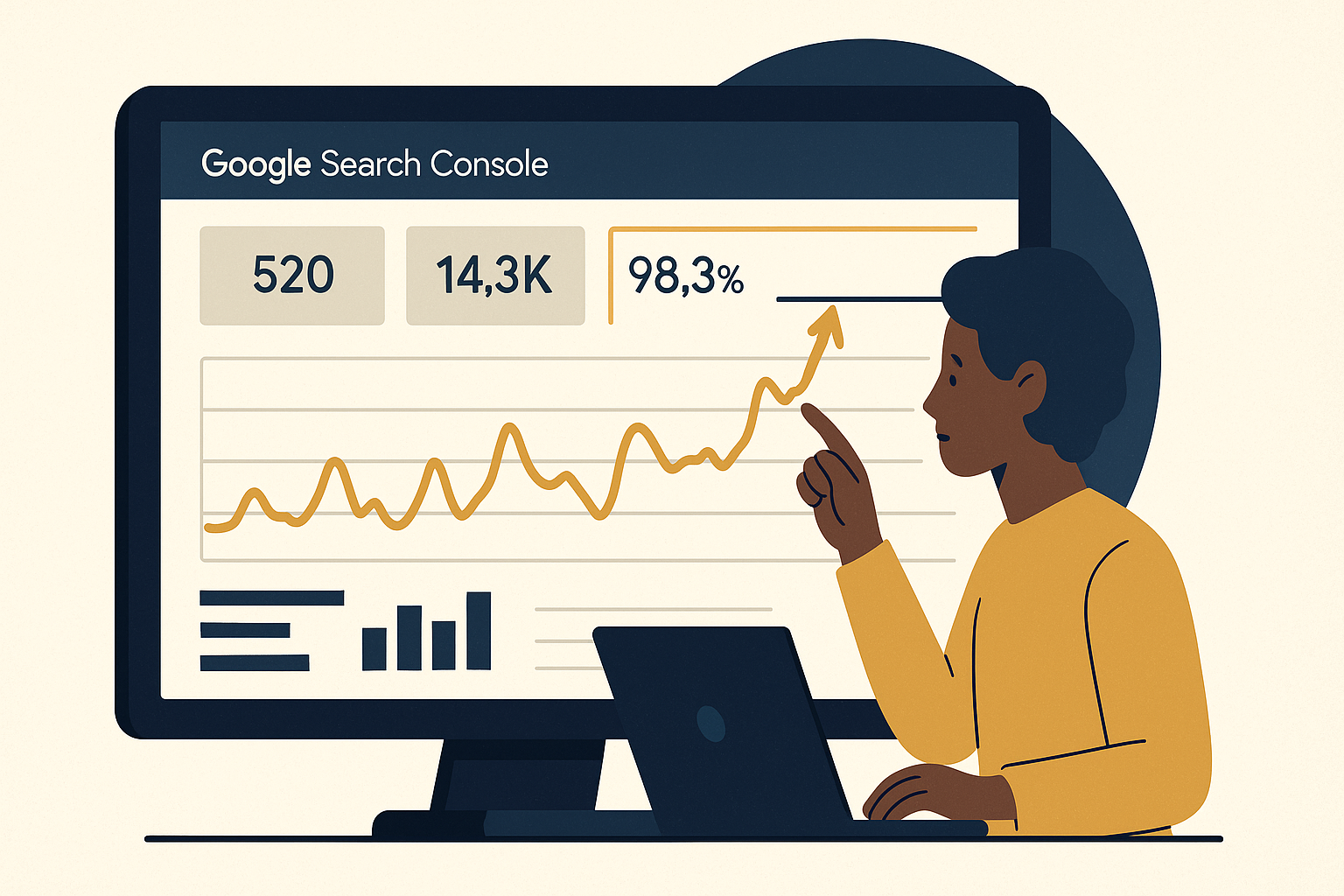
Unveiling the Power of Google Search Console
Google Search Console provides a wealth of data that goes beyond mere visitor numbers. It’s the real answer to understanding your site’s visibility in search results. For instance, many online entrepreneurs have seen their traffic double by simply leveraging the insights from GSC. Here’s how it works.
Understanding Clicks, Impressions, and CTR
To start, familiarize yourself with the core metrics: Clicks, Impressions, and Click-Through Rate (CTR). These metrics tell you how often your site appears in search results and how frequently users click through to your site. A high number of impressions with a low CTR could indicate a need for more compelling titles or meta descriptions.
Identifying Your Traffic Ceiling
Your traffic ceiling is the maximum potential traffic your site can achieve with its current content and SEO strategies. GSC helps you identify this by showing keywords where you’re ranking but not yet dominating. By optimizing content for these keywords, you can push past your current traffic ceiling.
Step-by-Step Guide to Using Google Search Console for Growth

Let’s break down how you can use Google Search Console to grow your site traffic systematically.
Step 1: Accessing Performance Reports
First, log in to your GSC account and navigate to the Performance tab. Here, you’ll see data on the queries bringing visitors to your site. Analyze these to spot opportunities for improvement.
Step 2: Analyzing Queries
Focus on queries with high impressions but low CTR. These are your low-hanging fruits. Adjust your page titles and meta descriptions to make them more appealing and relevant to these queries.
Step 3: Enhancing Underperforming Pages
Identify pages with high potential but low performance. Use the tutorials on optimizing content to improve these pages. This could involve updating content, adding new sections, or improving load times.
Step 4: Monitoring and Adjusting Strategies
Regularly check your GSC data to monitor progress. Adjust your strategies based on what’s working. This iterative process compounds your efforts, helping you build a system that grows while you sleep.
Tools and Resources for Optimizing Your Site
To maximize your site’s potential, consider using tools that complement GSC insights.
- Ahrefs: For in-depth keyword analysis and backlink tracking.
- SEMrush: Offers comprehensive SEO audits and competitor analysis.
- Keychron K2: Enhance your workflow with a reliable mechanical keyboard.
These tools provide additional layers of data and insights, helping you refine your strategies and achieve better results.
Actionable Next Steps
You’ve seen the potential of Google Search Console. Now, it’s time to take action. Start by logging into your GSC account and identifying those high-impression, low-CTR queries. Optimize your content, monitor the changes, and watch your traffic grow. Remember, the goal is to transform observers into builders, and owning your traffic is the first step.
For more in-depth strategies, check out our blog for expert tips on building silent income systems.
By consistently applying these insights, you’ll not only break through your site’s traffic ceiling but also build a robust system that compounds your efforts over time. Real results, real numbers, and a real system. That’s what Google Search Console offers you.
Advanced Techniques for Maximizing Traffic Potential

To truly push beyond your site’s traffic ceiling, it’s essential to delve into advanced techniques that leverage Google Search Console’s capabilities to their fullest. Here are some strategies that can provide a significant boost to your site’s visibility and traffic.
Exploring Search Appearance Enhancements
Google Search Console’s Search Appearance section provides insights into how your pages are displayed in search results. Enhancing search appearance involves optimizing rich snippets, breadcrumbs, and AMP (Accelerated Mobile Pages). By using structured data markup, you can improve the way search engines interpret your content, potentially leading to higher click-through rates. For instance, implementing FAQ schema can make your content more engaging and informative directly within search results.
Leveraging Mobile Usability Reports
With mobile traffic continuing to surpass desktop, ensuring your site is mobile-friendly is crucial. Google Search Console offers a Mobile Usability report that identifies issues affecting mobile users. Addressing these can significantly enhance the user experience, leading to longer site visits and higher rankings. Focus on resolving errors such as clickable elements being too close together or content being wider than the screen.
Using the Coverage Report for Technical SEO Improvements
The Coverage Report in Google Search Console is an invaluable tool for identifying technical issues that might be hindering your site’s performance. It highlights errors such as crawl anomalies, server errors, and issues with indexing. By systematically resolving these issues, you can ensure that your site is fully optimized for search engines, thereby increasing its potential traffic ceiling. For example, fixing 404 errors or redirecting obsolete URLs can enhance both user experience and SEO.
Case Study: Boosting Traffic with GSC Insights
Case Study: TechSavvyBlog’s Traffic Surge
TechSavvyBlog, a technology-focused content site, utilized Google Search Console to break through its traffic ceiling. By analyzing the Performance report, they identified high-impression keywords where they ranked on the second page of search results. By updating their content to include these keywords more prominently and optimizing their meta descriptions, they moved onto the first page, resulting in a 30% increase in organic traffic over three months.
Additionally, TechSavvyBlog used the Mobile Usability report to fix key mobile responsiveness issues, further boosting their traffic by enhancing mobile user experience. This dual approach of content optimization and technical improvements demonstrates how leveraging GSC insights can lead to tangible traffic growth.
Key Performance Indicators (KPIs) for Measuring Success
To effectively measure the success of your efforts in using Google Search Console, consider tracking the following KPIs:
- Organic Traffic Growth: Monitor changes in organic traffic to assess the impact of your optimization efforts.
- CTR Improvement: Track improvements in click-through rates for specific queries and pages.
- Keyword Ranking Changes: Observe shifts in keyword rankings, particularly for high-impression queries.
- Index Coverage Issues Resolved: Count the number of technical issues resolved, such as 404 errors or crawl anomalies.
These KPIs provide quantifiable metrics to evaluate the effectiveness of your strategies and help identify areas for further optimization.
FAQs About Using Google Search Console
Q: How often should I check my Google Search Console data?
A: It’s recommended to review your data at least once a week to stay updated on performance trends and address any issues promptly.
Q: Can GSC help with international SEO?
A: Yes, Google Search Console offers International Targeting settings that allow you to specify your target country, which can be particularly beneficial for sites with a global audience.
Q: What should I do if I notice a sudden drop in impressions?
A: Investigate potential causes such as algorithm updates, technical errors, or changes in search demand. Use GSC’s Coverage Report and Performance data to diagnose and address the issue.
By incorporating these advanced techniques and tracking the right KPIs, you can unlock the full potential of Google Search Console, pushing your site beyond its current traffic ceiling and setting the stage for sustained growth.
Optimizing for Featured Snippets
Featured snippets are a prominent way to gain visibility in Google search results, often appearing above the first organic result. To optimize for these, focus on providing concise, clear answers to common questions within your content. Use bullet points, numbered lists, or direct definitions to structure your information clearly. Analyze your site’s Performance report to identify queries that trigger featured snippets and tailor your content to match these formats. This strategy not only increases your chances of capturing a snippet but also significantly boosts your click-through rates and traffic potential.
Analyzing Seasonal Traffic Patterns
Understanding seasonal trends can be a game-changer for optimizing your site’s traffic. Use Google Search Console’s Performance report to track traffic fluctuations over time. Identify periods of increased or decreased traffic and align your content strategy accordingly. For instance, if you notice a spike in traffic during the holiday season, prepare relevant content ahead of time to capture this increased interest. This proactive approach allows you to maximize traffic during peak periods and sustain interest during slower times.
Disclosure: this article may contain affiliate links. If you buy through them, we may earn a small commission at no extra cost to you.


Leave a Reply