

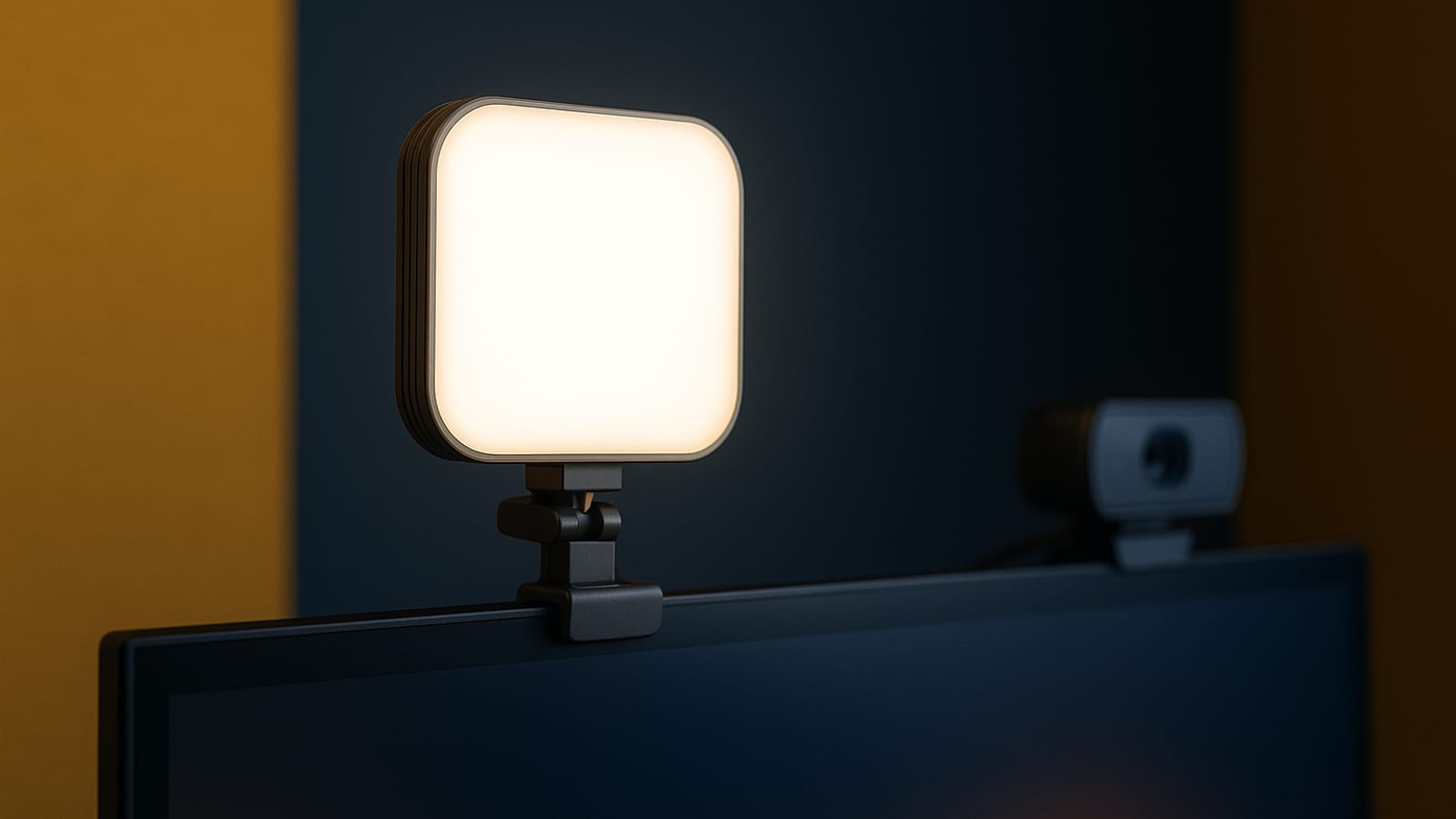
Turn on your camera right now and look at what the other person sees. If the answer is a shadowy face or a blown-out background, that’s the real problem — and it’s not your camera. The Logitech Litra Glow is a fifty-dollar light that fixes it in about three minutes. Here’s an honest look at how it works and whether the receipts back up the price tag.
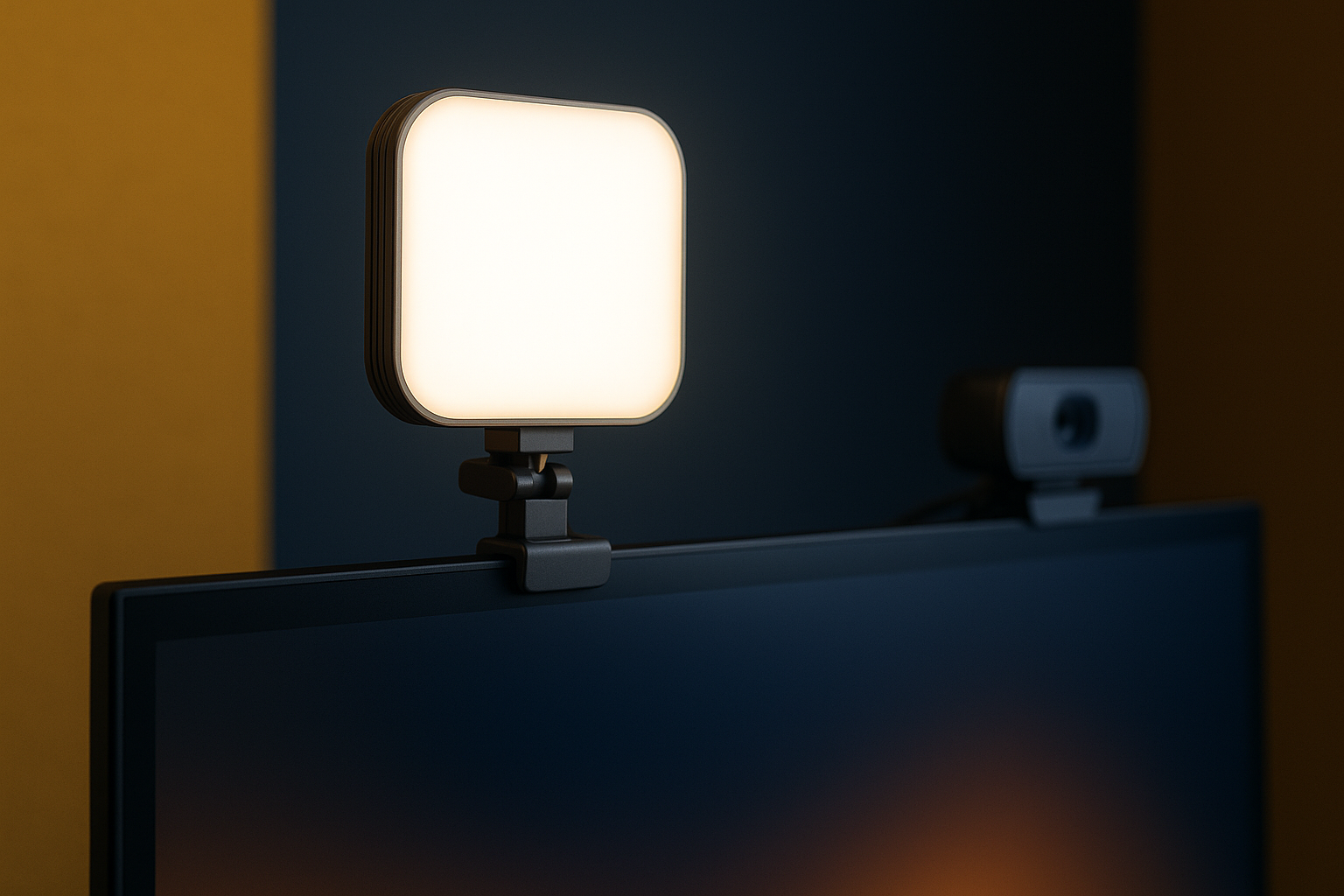
Why Lighting Matters More Than You Think
Remote work and content creation run on perception. The way you look on screen shapes whether someone trusts you before you say a word. Bad lighting — the kind that comes from a window behind you or a single overhead bulb — makes you look tired and flat. Good lighting makes the image sharp and the face readable.
Most people spend money on cameras and microphones and skip the light entirely. That’s the wrong order. The real answer to looking professional on screen starts with what hits your face before the lens ever sees it. The Litra Glow is built around that idea: soft, even output that works across skin tones without requiring you to learn anything about photography. It’s a simple piece of the system that compounds every time you show up on camera.
The Numbers: Logitech Litra Glow’s Key Features
Here’s what you’re actually getting for the price:
- Natural Skin Tones: TrueSoft technology spreads light evenly so your face reads as natural, not washed out or orange.
- Adjustable Brightness: You can dial the output up or down to match the room you’re in at any hour of the day.
- Portable Design: The whole unit is compact enough to pack in a laptop bag and set up anywhere in under a minute.
- USB-Powered: One cable into your computer. No wall adapter, no extra cords.
Those four things together make this a practical tool for solo operators who need owned, consistent results without managing a complicated rig.
How to Set Up Your Logitech Litra Glow
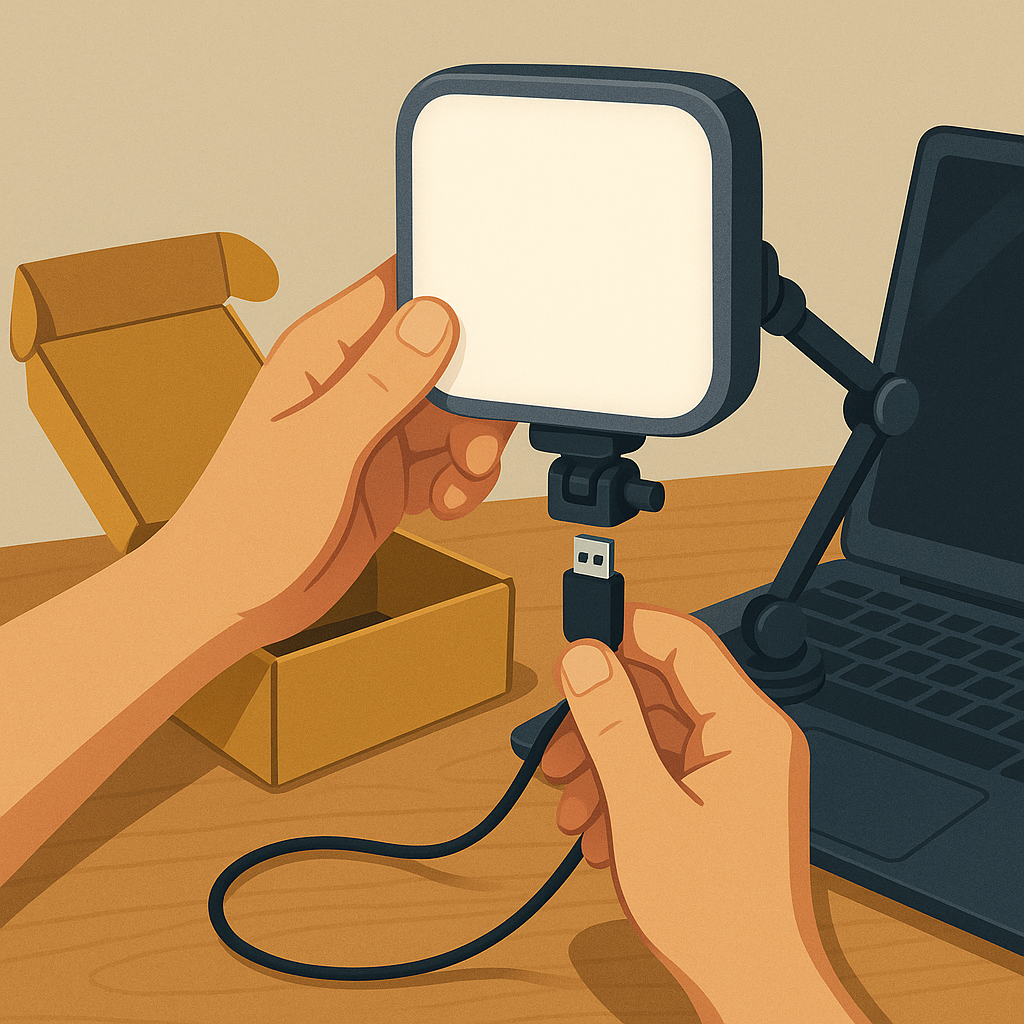
The setup takes less time than making coffee. Walk through it once and you’re done:
- Unbox the Light: Pull it out of the packaging. There’s not much in the box — that’s by design.
- Connect via USB: Run the cable to your computer or a USB power adapter.
- Position the Light: Clip it to your monitor or drop it on a small stand at eye level. Eye level is the key detail most people miss.
- Adjust Settings: Use the dial to set brightness and color temperature until your face looks like it does in natural daylight.
That’s the whole system. Four steps and your on-camera presence is measurably better.
Comparing the Litra Glow to Other Budget Options
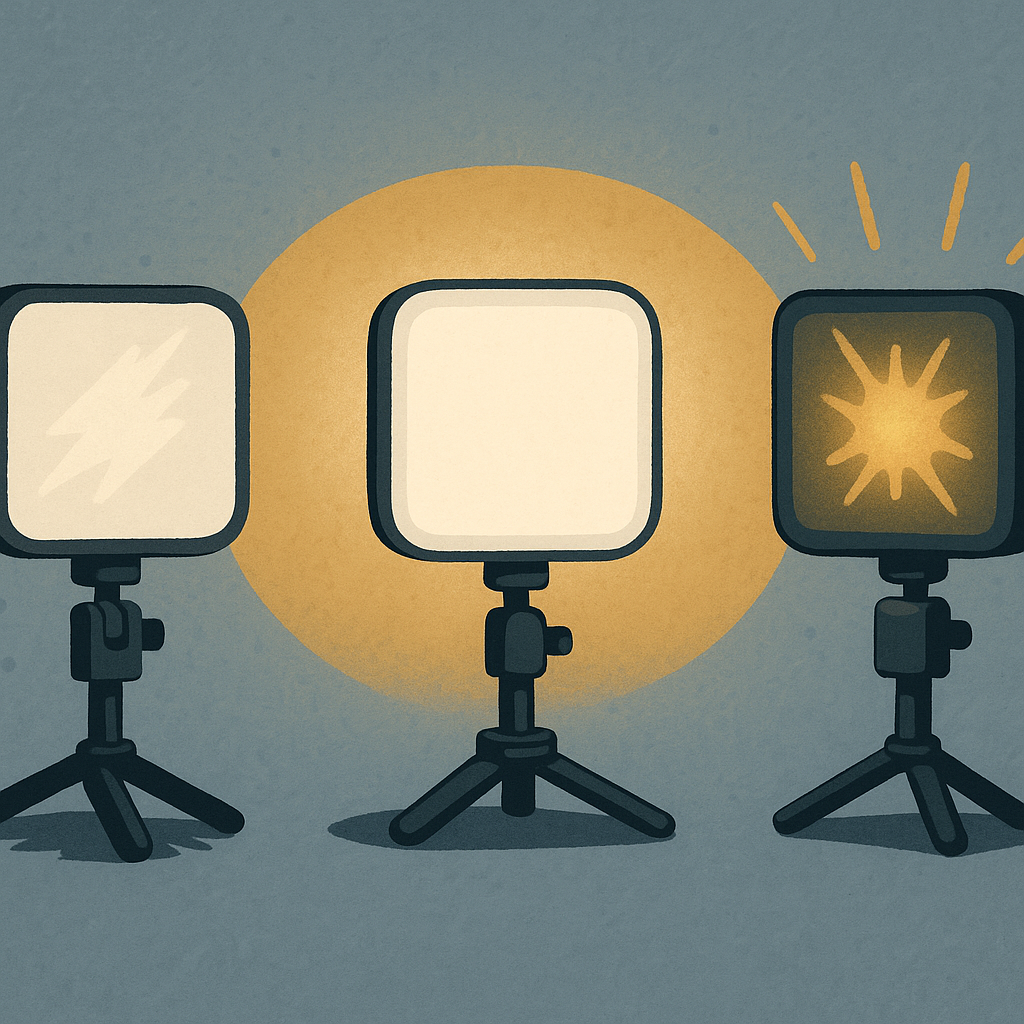
The budget lighting category is crowded. Most of what you’ll find under thirty dollars puts out harsh, cool light that makes you look like you’re being interrogated. The controls are stiff, the mounts are flimsy, and the color rendering is off enough that your face looks gray on screen.
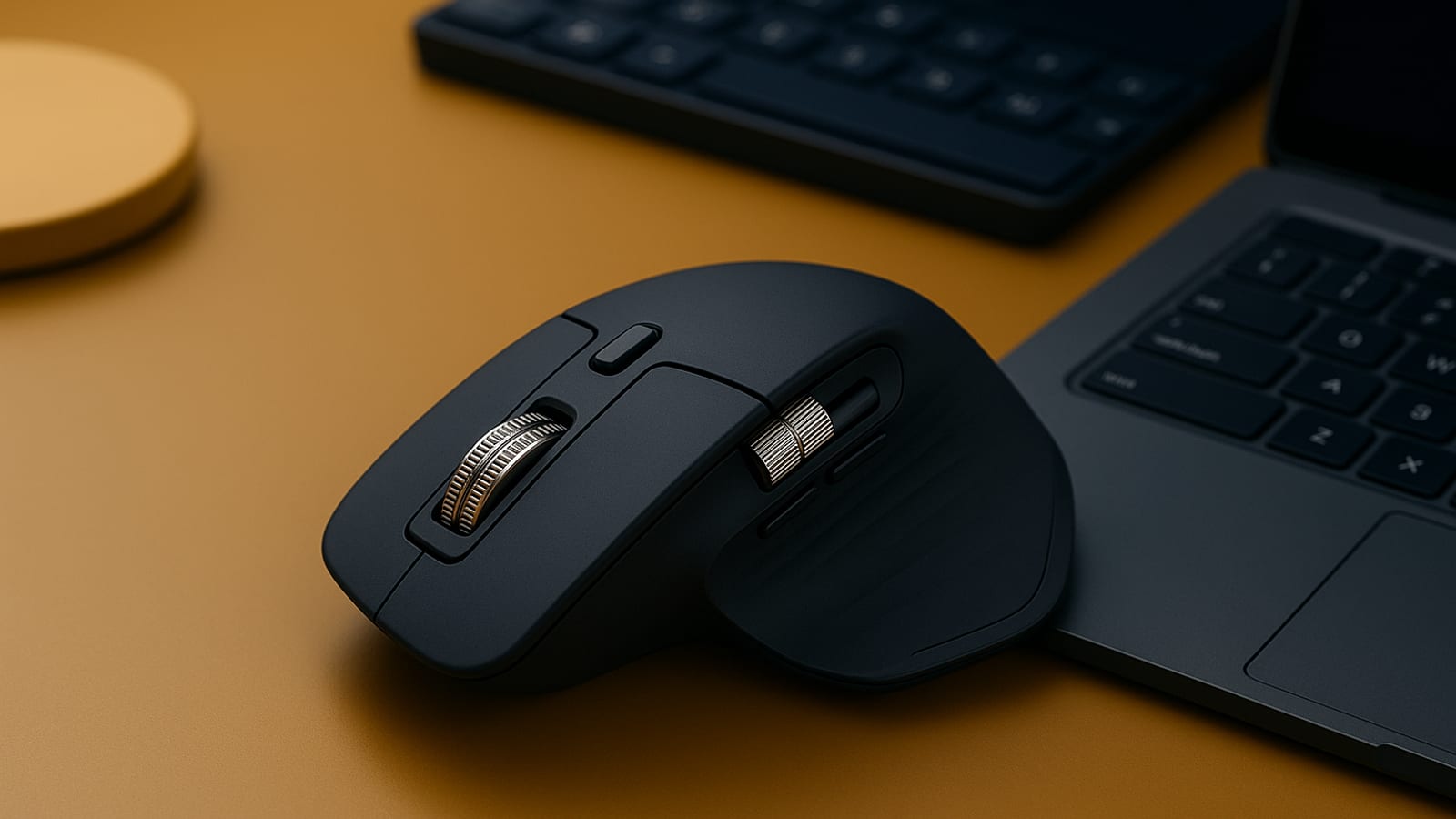
The Litra Glow sits above that tier. The light quality is noticeably softer, the clip mount holds without wobbling, and the controls respond cleanly. When compared to other Logitech products like the Logitech MX Master 3S — which leads its own category on build quality and value — the Litra Glow holds up the same way: it does exactly what it says, reliably, every time.
Integrating the Litra Glow into Your Workflow
For solo creators and multi-job operators, the value is in how quietly this fits into what you already do:
- Regular Video Calls: Clip it to the monitor, set it once, and stop thinking about it. The light is consistent call after call.
- Content Creation: Even output means your YouTube or social video looks the same whether you record at 9 a.m. or 9 p.m.
- Live Streaming: No hot spots, no shadows shifting mid-stream. Your audience sees the same professional image while you sleep on the back end and the recordings keep working for you.
That consistency compounds. Every piece of content you record under good light builds the same visual identity, and that identity builds trust with your audience over time.
Final Thoughts: Is the Logitech Litra Glow Worth It?
If you want better on-camera results without buying studio equipment or learning lighting theory, the Litra Glow is a straightforward yes. It’s a small, one-time cost that improves every video call, recording, and stream you do from here forward.
You can pick up the Logitech Litra Glow here. For more on building systems that work while you sleep and grow owned traffic over time, head to the blog.
Better lighting isn’t a cosmetic upgrade. It’s a credibility signal that shows up in every piece of content you put out. The Litra Glow is how you make that signal consistent without spending a lot of money or time to do it.
Practical Use Cases for the Logitech Litra Glow
The Litra Glow covers more ground than most people expect when they first buy it. Here’s where it actually earns its keep:
- Virtual Workshops: Webinars and live workshops run better when your audience can read your face clearly. The adjustable settings let you compensate for whatever the room is doing at any time of day.
- Product Photography: If you run an online store, consistent and even light makes your products look the same across every shot. The portability means you can reposition it quickly to change the angle without resetting your whole space.
- Podcasting with Video: Video podcasting is growing fast. The Litra Glow keeps your visual presentation clean and consistent across every episode without adding complexity to your recording setup.
- Online Teaching: Educators who teach on video need students to stay focused on the content, not distracted by a poorly lit instructor. Even light keeps the visual experience neutral and professional.
Checklist for Optimizing Your Litra Glow Experience
Run through this before you lock in your setup:
- Evaluate Your Setup: Look at your workspace before you mount anything. Where is the ambient light coming from? That tells you where to position the Litra Glow.
- Test Brightness Levels: Try different brightness settings at different times of day. Morning light and evening light behave differently, and your setting should account for that.
- Color Temperature Adjustment: Match the color temperature to your skin tone and the ambient light in the room. The goal is to look like yourself, not like you’re under a fluorescent office ceiling.
- Monitor Feedback: Ask a colleague or viewer how you look on their end. Their screen is the real receipt for whether your setup is working.
- Routine Checks: Before any important call or recording, take thirty seconds to confirm the light is on and positioned correctly. Small habits protect the system.
FAQ: Common Questions About the Logitech Litra Glow
A few questions that come up consistently:
Can the Litra Glow be used with laptops?
Yes. The clip attaches directly to a laptop screen, or you can set it on a small stand next to the machine. Either way works fine.
Is the Litra Glow suitable for outdoor use?
It’s built for indoor use. You can use it outside if you keep it away from wind and moisture, but you’ll need a portable battery or a nearby outlet since it runs on USB power.
How does the Litra Glow compare in terms of energy efficiency?
LED technology keeps the draw low. You get strong, continuous output without a meaningful bump in energy consumption.
Key Performance Indicators (KPIs) for Evaluating Lighting Impact
If you want to know whether the Litra Glow is actually moving the needle, track these:
- Engagement Rates: Watch view duration and interaction rates on your video content before and after the change. Better lighting tends to keep people watching longer.
- Audience Feedback: Ask directly. A simple question to your viewers or call participants gives you real data on whether the improvement is visible on their end.
- Time Savings: Track how long you spend adjusting your setup before recordings. A dialed-in system should cut that time significantly.
- Professional Opportunities: Note whether you’re getting more callbacks, collaborations, or speaking invitations. On-camera credibility compounds into real outcomes over time.
Case Study: Transforming Remote Work with Litra Glow
Alex is a freelance graphic designer who works entirely remote. Before the Litra Glow, the lighting in client calls was inconsistent — sometimes fine, sometimes bad enough that clients commented on it. After adding the Litra Glow to the desk setup, the visual quality of every call became predictable and professional. Client feedback improved. Retention went up. New project inquiries followed.
That’s the real answer the receipts show: a fifty-dollar light, used consistently, changed how clients perceived the work before Alex said a single word. That’s what a small, well-placed piece of the system can do when it compounds across every interaction.
Disclosure: this article may contain affiliate links. If you buy through them, we may earn a small commission at no extra cost to you.


Leave a Reply