


Google Cloud Platform vs. AWS: The Silent Operator’s Guide for 2026
Google Cloud Platform vs. AWS: The Silent Operator’s Guide for 2026

You’re a developer with projects running around the clock. You need infrastructure that holds up while you sleep — no babysitting required. Google Cloud Platform and AWS are the two platforms most operators land on. Both are serious. Both have receipts. The real answer to which one fits your system depends on a few specific things, and that’s exactly what we’re going to walk through.
Setting the Scene: The Cloud Landscape
By 2026, cloud infrastructure is the foundation every serious digital operation runs on. Google Cloud Platform and AWS hold the largest share of that market, and between them they cover everything from a simple hosted site to large-scale AI pipelines. The question isn’t whether either platform works. It’s which one fits the system you’re building.
Google Cloud Platform is known for its AI and machine learning depth — developers who want advanced analytics baked into their stack tend to land here. AWS is known for breadth: more services, more regions, more third-party options. That range makes it a practical default for operators who need flexibility across different project types.
The Real Numbers: Pricing and Services
Both platforms run pay-as-you-go pricing, but the costs diverge depending on what you’re actually running. AWS offers a free tier for new accounts, letting you test services before you spend anything. Google Cloud has a free tier too, but the service limits differ — so the tier that costs you nothing on one platform may cost you something on the other.
Here’s a concrete comparison: AWS EC2 gives you a wide range of instance types you can tune to your workload. Google Cloud’s Compute Engine covers the same ground and often comes in slightly cheaper for equivalent configurations. Both platforms offer reserved instance discounts that can cut costs significantly on long-running projects — that’s where the savings compound over time.
The System: Building Your App
Starting from zero? Both platforms give you tools that handle the infrastructure so you can stay focused on the code. AWS Elastic Beanstalk manages deployment automatically — capacity provisioning, load balancing, the works. Google Cloud’s App Engine does the same job and adds automatic scaling that responds to real demand without you touching a setting.
For developers early in the process, these tools remove the infrastructure overhead that slows most projects down. Start with the documentation: AWS Elastic Beanstalk or Google Cloud’s App Engine guide. Both are thorough and free to read before you commit to anything.
Traffic You Own: Security and Compliance
When your system runs while you sleep, security isn’t optional. AWS covers the basics and then some: AWS Shield handles DDoS protection, and AWS Identity and Access Management controls exactly who touches what. Google Cloud matches that with its own Identity and Access Management and Cloud Armor services.
Both platforms are compliant with GDPR, HIPAA, and other major global standards. That matters if you’re building anything that handles user data at scale. Owned traffic means nothing if the infrastructure underneath it isn’t locked down — compliance is part of the foundation, not an afterthought.
AI and Automation: The Future of Cloud
AI is a tool, and the receipts on what it can do for your system are real. Google Cloud’s AI Platform gives you machine learning tools you can wire directly into your applications — predictive analytics, automation, pattern recognition at scale. AWS SageMaker covers the same ground: build, train, and deploy machine learning models without standing up your own infrastructure.
Both tools let you automate processes that would otherwise eat your time, which is how a system compounds its efficiency without adding headcount. Dig into the details at Google Cloud’s AI Platform or AWS’s SageMaker.
Making the Choice: Google Cloud or AWS?
The real answer comes down to what your system actually needs. If AI and machine learning are central to what you’re building, Google Cloud has a genuine edge there. If you need a wider catalog of services and more global infrastructure options, AWS is the more versatile choice. Neither is wrong — they’re just optimized for different things.
The goal is a system that compounds and grows while you sleep. That means picking the platform whose strengths line up with your specific requirements, not the one with the loudest marketing. Run the numbers on your expected usage, look at the free tiers, and make the decision based on your actual workload.
Next Steps: Building Your Income System
Start by writing down your project’s core requirements — compute, storage, scaling needs, budget ceiling. Then map those requirements against what each platform offers. Both free tiers give you real access to real services, so you can test before you spend.
For more on building systems that generate owned traffic and run without constant attention, visit The Silent Webmaster Blog. The guides there are built for operators who want receipts, not promises.
Choosing between Google Cloud and AWS is one decision inside a larger system. Get the foundation right and everything you build on top of it has a better chance of compounding the way you want it to.
Understanding the Ecosystem: Integrations and Compatibility
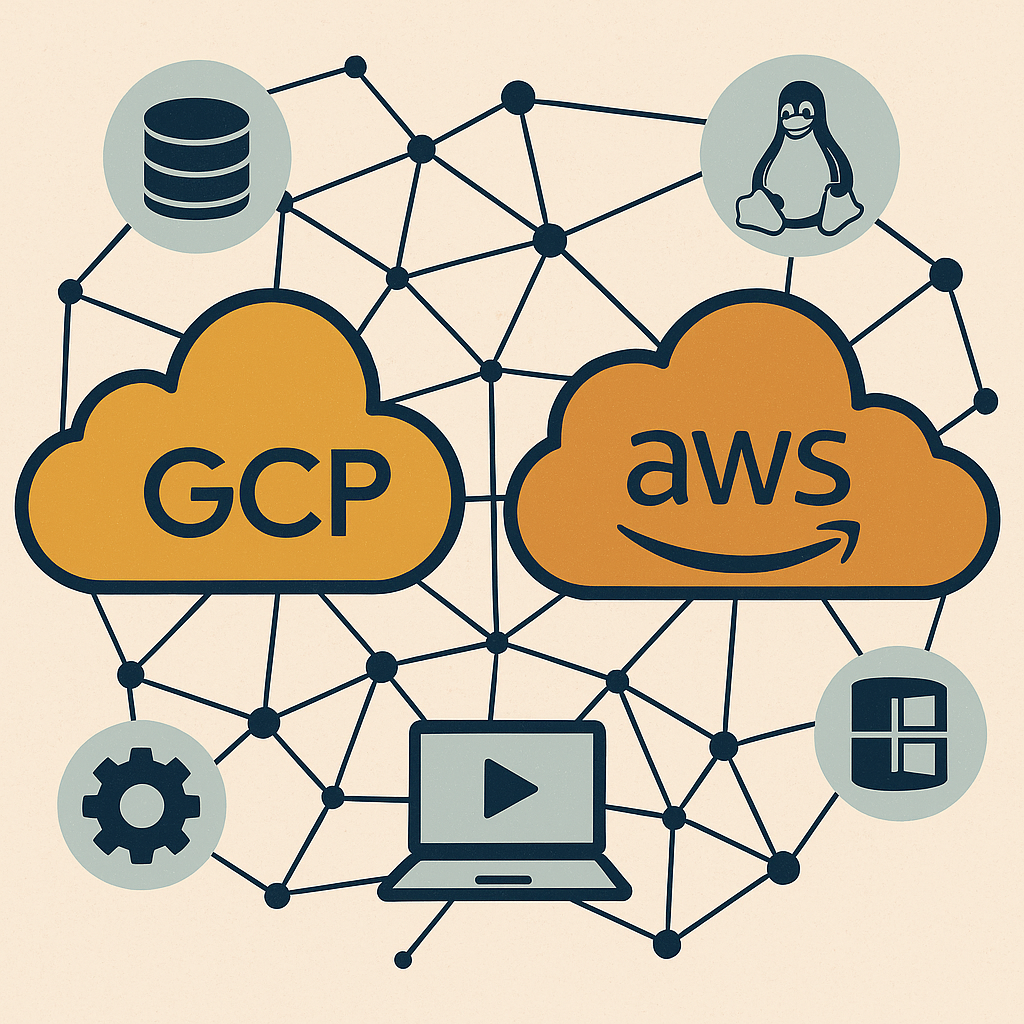
The platform you pick doesn’t operate in isolation. It has to fit inside the stack you’re already running. Both Google Cloud Platform and AWS have built ecosystems wide enough to connect with most tools you’re likely to use.
Google Cloud Platform Integrations: Google Cloud connects cleanly with Google Workspace, Google Ads, and BigQuery. If those tools are already part of your workflow, the integration is straightforward rather than something you have to engineer around. Google Cloud also has strong native Kubernetes support, which makes it a practical choice for containerized applications.
AWS Integrations: AWS publishes APIs and SDKs across most major programming languages and frameworks, so connecting it to an existing system is rarely a problem. The AWS Marketplace adds another layer — hundreds of third-party software solutions you can deploy immediately, without building the integration yourself.
Developer Support and Community Resources
Support matters more than most people admit when they’re starting out. The time you spend stuck on a problem is time your system isn’t running. Both platforms have communities large enough to have seen your problem before.
- Google Cloud Community: Google Cloud has active forums on Stack Overflow and its own Google Cloud Community, plus Google Developer Groups operating in cities around the world. These are working developers sharing real solutions, not just documentation links.
- AWS Community: AWS has one of the largest developer communities in the industry — forums, local meetups, an extensive documentation library, and formal AWS Training and Certification programs that give you a structured path if you want to go deeper.
Checklist for Choosing the Right Cloud Provider
Before you commit, run through these five points. They’re the ones that actually determine whether your system holds up at scale.
- Project Requirements: Define what you need — compute, storage, scaling behavior. Be specific.
- Budget Constraints: Compare the pricing models against your expected usage. The cheaper option at low volume isn’t always cheaper at scale.
- Integration Needs: Check how well each platform connects with the tools you’re already using.
- Support and Resources: Look at documentation quality, community size, and what kind of help is available when something breaks at 2 a.m.
- Future Scalability: Pick a platform that handles where you’re going, not just where you are today.
Case Study: Startups Leveraging Cloud Services
The receipts from real operators tell the story clearly. A fintech startup chose Google Cloud specifically for its data analytics capabilities — they needed to process large datasets fast and pull actionable insights from customer behavior. The platform fit the workload. A health-tech company went with AWS because of its compliance infrastructure and global reach, which let them scale internationally while staying inside strict data protection requirements.
Both made the right call because they matched the platform’s actual strengths to their actual needs. That’s the system. Know what you’re building, find the platform whose receipts match your requirements, and build on top of something solid.

Leave a Reply